Think IT solutions for business are just helpdesks and antivirus? Think again.
Modern IT is the engine that cuts costs, stops breaches, and speeds work.
This post walks through the core IT solutions: cloud, managed services, security, networking, and automation, and shows how they transform operations and fuel growth.
You’ll see which tools matter, who benefits, and the practical steps to adopt them without hiring a large internal team.
If you plan budgets or want faster, safer scaling, this guide tells you what to pick and why.
Overview of Core IT Solutions for Businesses
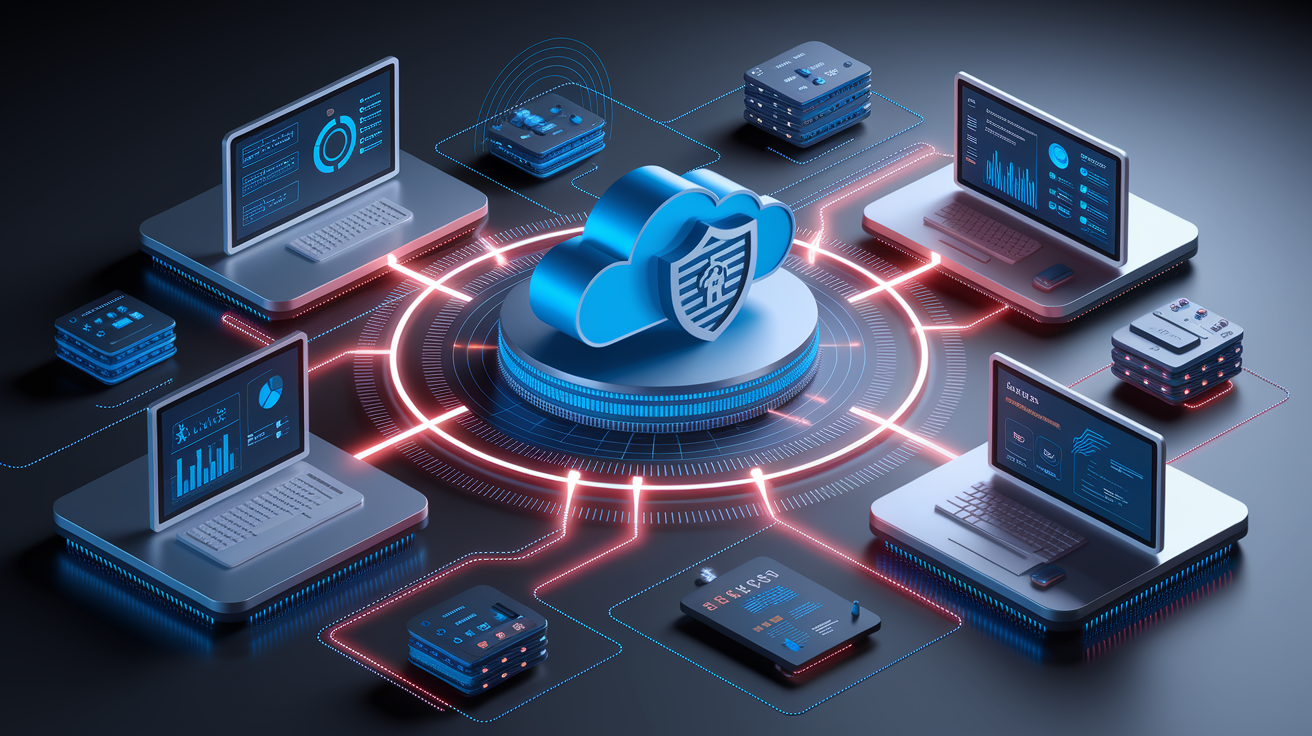
IT solutions for business are integrated technologies, platforms, and services that help companies run daily operations, protect critical data, and scale without hiring large internal teams. In 2026, most business IT systems combine cloud infrastructure, cybersecurity controls, managed support, and automation tools into a single ecosystem. What are IT solutions in practice? They range from remote helpdesks and network monitoring to AI-powered analytics and enterprise software that connects departments, customers, and suppliers in real time.
Modern IT solutions deliver five measurable advantages that directly impact the bottom line:
Operational efficiency. Automation reduces manual tasks and frees employees for higher-value work.
Cost savings. Monthly subscription models shift capital expenses to predictable operating costs.
Security. Layered defenses, including firewalls and identity controls, protect against breaches that cost an average of $4.44 million.
Scalability. Cloud platforms and managed services grow with your company without infrastructure overhauls.
Workflow automation. AI-driven ticketing and analytics can deflect 50–85% of routine IT and HR requests for qualifying deployments.
Businesses that adopt integrated IT solutions report fewer outages, lower support costs, and faster response to market changes. The shift from on-premise servers to cloud-based business IT systems also enables remote work, real-time collaboration, and disaster recovery that no longer depends on a single physical location. For companies planning IT budgets in 2026, the focus has moved beyond basic email and antivirus. Now it’s agentic AI, zero-trust security, and composable platforms that connect existing tools through APIs and no-code automation.
Managed IT Services and Support

Managed IT services assign ongoing infrastructure care to an external provider. You get network monitoring, software updates, security patches, help desk ticketing, and compliance reporting under a fixed monthly fee. Instead of hiring full-time administrators, companies hand over routine maintenance to specialists who watch systems around the clock and resolve issues before users notice downtime.
A typical managed service package includes proactive monitoring that alerts the provider when disk space runs low, backup jobs fail, or unusual login attempts appear. The MSP then applies patches, resets credentials, or escalates complex problems through tiered support. You also receive scheduled maintenance windows, quarterly technology assessments, and documentation that auditors or regulators may request.
Outsourced IT support shifts labor costs from payroll to a predictable subscription. It eliminates recruitment delays when an in-house technician leaves. And it provides access to specialists in cybersecurity, cloud architecture, and compliance frameworks that small teams can’t afford full-time. For organizations with 20 to 500 employees, managed services often cost less than one senior IT salary while delivering expertise across multiple domains and 24/7 availability that internal staff rarely match.
Cloud Solutions and Migration Options
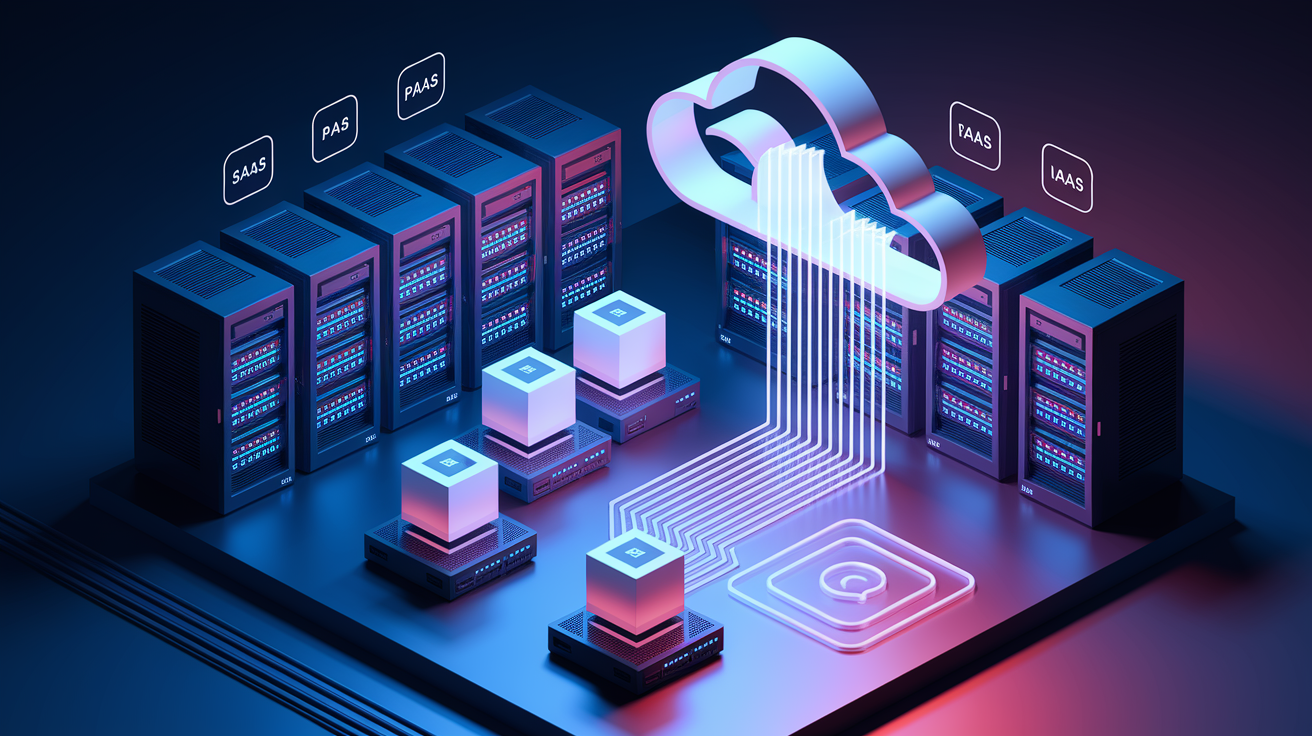
Cloud solutions for business store data, run applications, and provide computing power on remote servers accessed over the internet, replacing or supplementing on-premise hardware. The three main service types are Software as a Service (SaaS), which delivers ready-to-use applications like email and CRM. Platform as a Service (PaaS), which provides development environments for custom apps. And Infrastructure as a Service (IaaS), which rents virtual servers, storage, and networking so companies build their own stacks without buying physical equipment.
Migration to the cloud typically starts with a workload assessment that identifies which systems move first. Email and file sharing are common early candidates. Then continues with data transfer, application reconfiguration, and user training. Hybrid models keep sensitive databases on-site while moving collaboration tools and backup storage to the cloud, balancing security requirements with the flexibility remote teams need.
Cloud computing benefits include instant scalability when seasonal demand spikes, automatic backups that replicate data across multiple regions, and disaster recovery that restores operations in minutes instead of days. Monthly billing aligns costs with actual usage, and providers handle hardware upgrades, security patches, and compliance certifications that would otherwise require dedicated staff. By 2025, Gartner expects more than 50% of enterprise IT spending to shift to cloud platforms, driven by remote work, AI workloads, and the operational simplicity of paying for compute resources the same way businesses pay for electricity.
Cybersecurity Solutions for Business
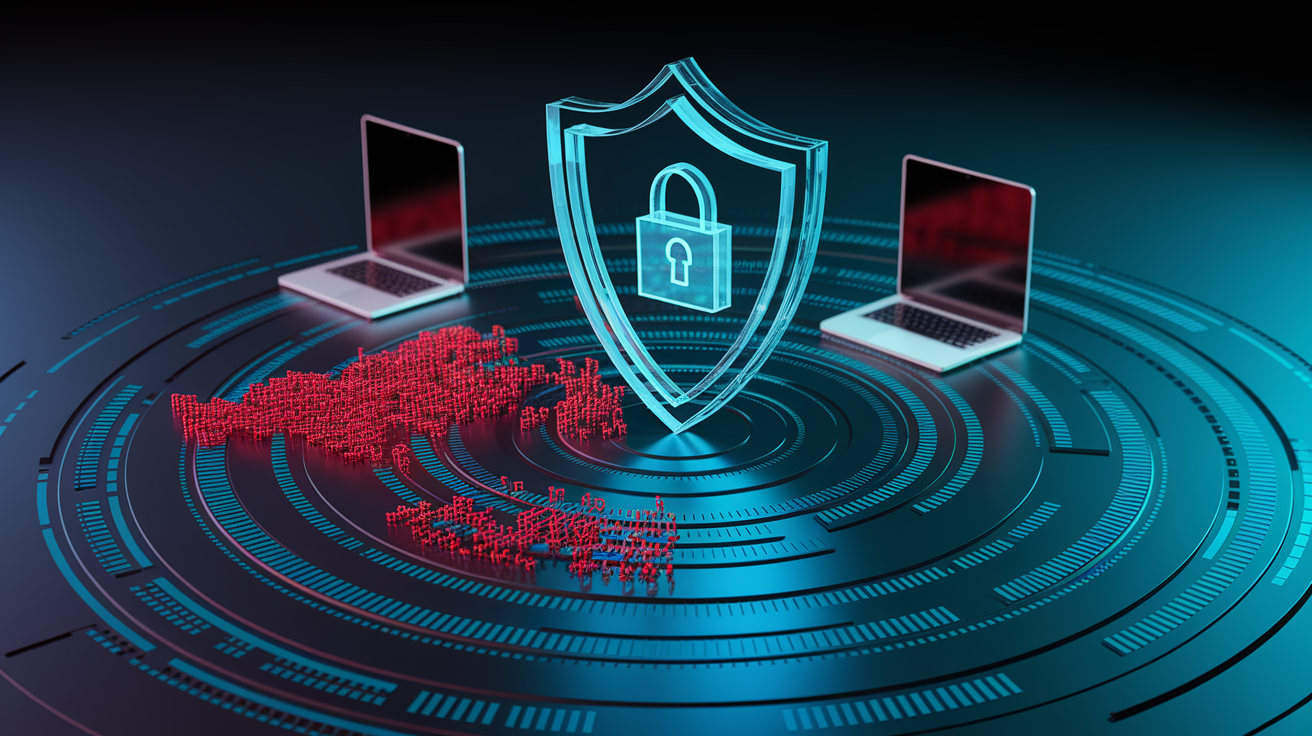
Business cybersecurity layers multiple defenses to stop threats at different points. Perimeter controls block malicious traffic, endpoint tools protect individual devices, identity systems verify users, and employee training reduces human errors that cause roughly 60% of breaches.
Network security starts with firewalls that filter incoming and outgoing connections, intrusion detection systems that flag suspicious patterns, and virtual private networks (VPNs) that encrypt remote access. Endpoint protection installs antivirus software, monitors for unusual file changes, and enforces device compliance rules before allowing network access. Identity management requires multi-factor authentication (MFA), restricts privileges to the minimum each role needs, and audits who accessed what data and when. Regular training teaches staff to recognize phishing emails, avoid shadow IT tools that bypass security reviews, and report incidents immediately.
Core cybersecurity measures every business should deploy:
Firewall and intrusion prevention. Blocks unauthorized traffic and detects attack signatures in real time.
Multi-factor authentication (MFA). Requires a second proof of identity beyond passwords, cutting account takeover risk.
Endpoint antivirus and patch management. Stops malware and closes vulnerabilities before exploits spread.
Employee security awareness training. Reduces phishing success and improves incident reporting speed.
Organizations that use AI extensively in security operations saved nearly $1.9 million per breach in 2025, according to IBM’s cost-of-breach study. Conversely, companies without access controls on AI tools saw breach costs rise by an average of $670,000 due to “shadow AI” risks. A modern cybersecurity stack also extends protection to third-party vendors. Verizon’s 2025 Data Breach Investigations Report found third-party involvement in breaches doubled to 30%. And includes regular audits, penetration tests, and incident-response plans that outline exactly who does what when an attack occurs.
Networking and Infrastructure Solutions
IT infrastructure solutions provide the hardware, cabling, and connectivity that let employees, devices, and cloud services communicate securely. Physical components include servers that host databases and applications, routers and switches that direct network traffic, wireless access points for mobile devices, and structured cabling that links everything together. Digital infrastructure adds monitoring software, automated alerts, and remote management tools so IT teams spot bottlenecks or failures without being on-site.
Business network setup begins with a site survey to map coverage areas, bandwidth needs, and security zones. Technicians then install equipment, configure VLANs to separate guest Wi-Fi from internal systems, and enable encryption protocols. Ongoing network management tracks performance metrics, applies firmware updates, and adjusts firewall rules as the company adds locations or adopts new cloud services.
Reliable infrastructure reduces downtime, supports video conferencing and VoIP calls without lag, and scales when headcount or data volume grows. Around-the-clock monitoring catches hardware failures early, often before users notice. And automated failover systems reroute traffic if a primary connection drops. For businesses running on-premise servers alongside cloud apps, hybrid infrastructure designs ensure smooth data flow between local systems and remote platforms while maintaining security policies across both environments.
Digital Transformation and Automation Tools
Business automation tools eliminate repetitive manual tasks by triggering actions based on predefined rules or AI decisions, freeing employees to focus on strategy and customer relationships. Workflow automation connects applications so that, for example, a new customer record in the CRM automatically generates a welcome email, assigns a sales rep, and schedules a follow-up task. All without human clicks.
Digital transformation integrates automation, cloud platforms, data analytics, and AI across every business process, turning disconnected systems into a unified operation. A manufacturing company might combine IoT sensors on production lines with real-time dashboards and predictive maintenance algorithms that order replacement parts before a machine fails. A retailer could link point-of-sale data to inventory management and personalized marketing, adjusting stock levels and promotions based on live sales trends.
Common automation examples companies deploy today:
Helpdesk ticket routing and resolution. Agentic AI diagnoses issues, executes fixes, and closes tickets autonomously, deflecting 50–85% of routine requests.
Invoice and expense processing. Optical character recognition extracts data from receipts, matches it to purchase orders, and flags discrepancies for review.
Customer service chatbots. Natural language models answer questions, update account details, and escalate complex cases to human agents only when needed.
Automated security patching. Systems download, test, and apply updates during maintenance windows without manual scheduling.
Forrester projects that GenAI automation will reduce project delivery costs and accelerate time-to-market for new initiatives, while no-code platforms let business users build workflows without waiting for engineering teams. The result is faster decision-making, fewer errors from manual data entry, and measurable productivity gains that show up in reduced headcount needs or reallocated staff hours.
Industry-Specific IT Solutions
Healthcare organizations rely on electronic health record (EHR) systems that centralize patient data, support telemedicine appointments, and ensure compliance with privacy regulations like HIPAA. Secure patient portals let individuals view lab results and schedule visits, while backend analytics identify care gaps and optimize resource allocation across clinics. IT solutions for healthcare also include medical device integration, encrypted messaging for care teams, and disaster recovery plans that protect patient records during outages.
Financial services firms use IT systems designed for transaction speed, regulatory reporting, and fraud detection. Core banking platforms process millions of daily transactions, risk management dashboards monitor credit exposure in real time, and AI-driven algorithms flag unusual account activity before losses occur. Finance IT tools must meet strict audit trails and encryption standards, often running in private clouds or hybrid environments that keep sensitive data on-premise while using public cloud for development and testing workloads.
Retail businesses depend on point-of-sale (POS) systems that sync inventory, process payments, and feed sales data into analytics platforms for demand forecasting and personalized marketing. E-commerce storefronts integrate with warehouse management software, shipping carriers, and customer relationship tools to automate order fulfillment and track delivery in real time. IT solutions for retail also include loyalty programs, digital signage, and mobile apps that connect online browsing behavior with in-store purchases.
Manufacturing companies adopt IoT sensors, supply-chain optimization software, and production automation systems that reduce waste and improve quality control. Digital twins, virtual replicas of physical equipment, let engineers simulate changes before applying them to the factory floor, cutting downtime and testing costs. Energy firms use similar technology to monitor pipelines, predict equipment failures, and optimize grid performance, demonstrating how industry-specific IT solutions address operational challenges unique to each sector.
IT Pricing Models and Cost Structures

IT service pricing varies by scope, but most providers offer subscription-based models that bundle support, software licenses, and infrastructure access into a predictable monthly fee. Per-user pricing charges a fixed amount for each employee account, making budgeting straightforward as headcount grows. Per-device models bill based on the number of endpoints (laptops, phones, servers) under management, which suits companies with shared workstations or high device-to-employee ratios. Project-based fees apply to one-time work like cloud migration or custom software development, typically structured as fixed bids or time-and-materials contracts with hourly rates and expense caps.
| Pricing Model | Typical Use Case | Cost Range |
|---|---|---|
| Per-User Subscription | Managed IT services, SaaS licenses | $50–$200 per user/month |
| Per-Device | Endpoint security, device monitoring | $30–$100 per device/month |
| Project-Based | Cloud migration, infrastructure buildout | $10,000–$500,000+ one-time |
Cloud platforms like AWS, Azure, and Google Cloud use pay-as-you-go billing based on compute hours, storage volume, and data transfer, allowing businesses to scale resources up or down without long-term contracts. Managed service providers often combine flat monthly fees for core support with variable cloud consumption charges, giving clients cost predictability on labor while retaining flexibility on infrastructure. When evaluating IT budgeting options, compare total cost of ownership. That includes hidden expenses like training, downtime during migrations, and license true-ups. Then weigh them against the operational benefits of shifting capital expenditures to operating expenses that align with business growth.
How to Choose the Right IT Vendor

Choosing an IT vendor starts with verifying technical certifications and partnerships that prove expertise in the platforms you use. AWS, Microsoft, Google, or specialized security frameworks. Check whether the provider holds SOC 2, ISO 27001, or industry-specific accreditations that match your compliance requirements, and ask for recent audit reports or third-party security assessments.
Service availability and response time define how quickly problems get resolved. Look for vendors offering 24/7 monitoring, guaranteed response windows (often 15 minutes for critical issues, four hours for standard tickets), and clear escalation paths when the first-tier team can’t fix a problem. Scalability matters if you plan to grow. Confirm the vendor can add users, devices, or cloud capacity without service interruptions or renegotiating contracts. Security standards should include MFA for vendor access, encrypted data transmission, and regular penetration testing. Ask how the provider handles patching, incident response, and third-party risk if they subcontract any work.
Key factors to verify before signing a contract:
Certifications and compliance. SOC 2, ISO 27001, HIPAA, PCI-DSS, or relevant industry standards.
Service-level agreements (SLAs). Guaranteed uptime percentages, response times, and penalties for missed targets.
Scalability and flexibility. Ability to add resources, adjust pricing tiers, or expand geographic coverage as your business grows.
Transparent pricing. Itemized quotes with no hidden fees, clear terms for overages, and straightforward cancellation policies.
References and case studies. Documented results from clients in your industry or with similar infrastructure complexity.
IT Implementation Timelines and Best Practices
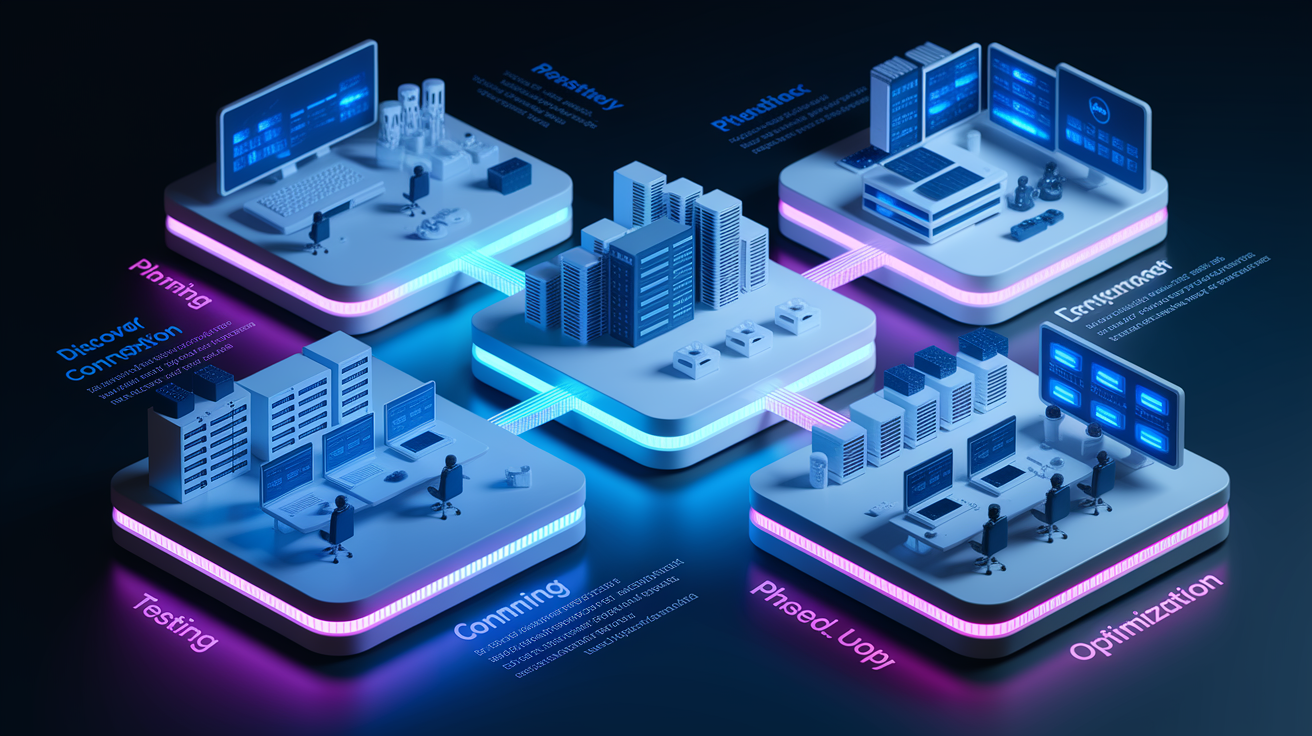
IT implementation timeline depends on project scope, but most deployments follow a four-phase cycle that balances speed with risk management. Planning takes two to four weeks and includes stakeholder interviews, technical assessments, and a detailed project plan with milestones, resource assignments, and rollback procedures.
Discovery and planning. Map current systems, define success criteria, identify integration points, and secure executive approval.
Testing and configuration. Build the solution in a staging environment, run security scans, validate data migration scripts, and train a pilot group.
Rollout. Deploy to production in phases (by department, location, or user cohort), monitor performance closely, and provide hands-on support during the transition.
Optimization. Collect user feedback, tune configurations, automate repetitive tasks, and schedule quarterly reviews to align the system with evolving business needs.
Simple projects like migrating email to Microsoft 365 may complete in four to six weeks, while complex initiatives (ERP replacement, multicloud infrastructure, or AI platform integration) can take six to twelve months. Best practices include assigning a dedicated project manager, maintaining a change log, communicating timelines to end users early, and keeping legacy systems running in parallel until the new solution proves stable. Post-launch optimization often uncovers quick wins, like retiring unused licenses or automating manual workflows, that improve ROI within the first 90 days.
Case Studies: Real Business Outcomes with IT Solutions
A regional energy company with operations across multiple states faced frequent network outages that delayed critical communications and slowed project approvals. After migrating to a managed IT services model with 24/7 monitoring and hybrid cloud infrastructure, the company reduced unplanned downtime by 78% in the first year and cut IT labor costs by $240,000 annually by eliminating two full-time positions. The MSP also implemented automated patch management, which closed security vulnerabilities that had previously required manual weekend work.
A mid-sized healthcare clinic struggled with patient data scattered across paper files, standalone computers, and an outdated server. Deploying a cloud-based EHR system with encrypted patient portals and mobile access for providers improved appointment scheduling accuracy, reduced duplicate lab orders by 34%, and enabled telemedicine visits that generated $180,000 in new revenue during the first six months. The IT vendor also delivered HIPAA compliance documentation that passed a federal audit with zero findings, saving the clinic from potential fines.
A retail chain operating 47 locations replaced aging point-of-sale terminals and siloed inventory systems with a unified cloud platform that syncs real-time sales data, automates reorder triggers, and tracks customer purchase history for personalized promotions. Within nine months, stockouts dropped by 41%, checkout speed increased by 22%, and the marketing team launched targeted email campaigns that lifted repeat-purchase rates by 19%. The company also consolidated five software vendors into one managed service contract, simplifying billing and reducing total IT spending by 16% while improving system reliability.
Final Words
We covered the core IT pieces—managed services, cloud migration, cybersecurity, networking, automation, industry-specific systems, pricing, vendor choice, timelines, and case studies—so you can see what each part does and why it matters.
If you’re planning changes, start with security, clear pricing, and scalable cloud options. Small moves, like backups and managed support, cut risk fast.
Picking the right it solutions for business saves time and money and puts your team in a better position to grow.
FAQ
Q: What is the best IT solution for a small business?
A: The best IT solution for a small business is a simple, cloud-first stack—email and file hosting, automatic backups, endpoint security, and managed IT support—giving reliable access, security, and predictable costs.
Q: What is a IT business solution? What are examples of IT solutions?
A: An IT business solution is a technology setup that solves a business need, like cloud email, CRM software, managed IT services, endpoint protection, backup, and e-commerce or POS systems.
Q: What is the 1% rule in business?
A: The 1% rule in business usually means making small, consistent improvements that compound over time; in real estate it can also mean monthly rent should be about 1% of the purchase price.
Leave a Reply