Are privacy labels on app stores real fixes or just good PR?
They aim to show what data apps collect and who gets it, so you can choose before you download.
Early evidence shows labels can cut installs for heavy trackers.
iOS apps admitting lots of tracking lost about 12-15% of downloads.
But audits find 20-60% of apps misstate their practices, so the effect is real but uneven.
This post explains how labels change user choices, how developers respond, and where the system still lets tracking slip through.
Understanding Privacy Nutrition Labels and Their Impact
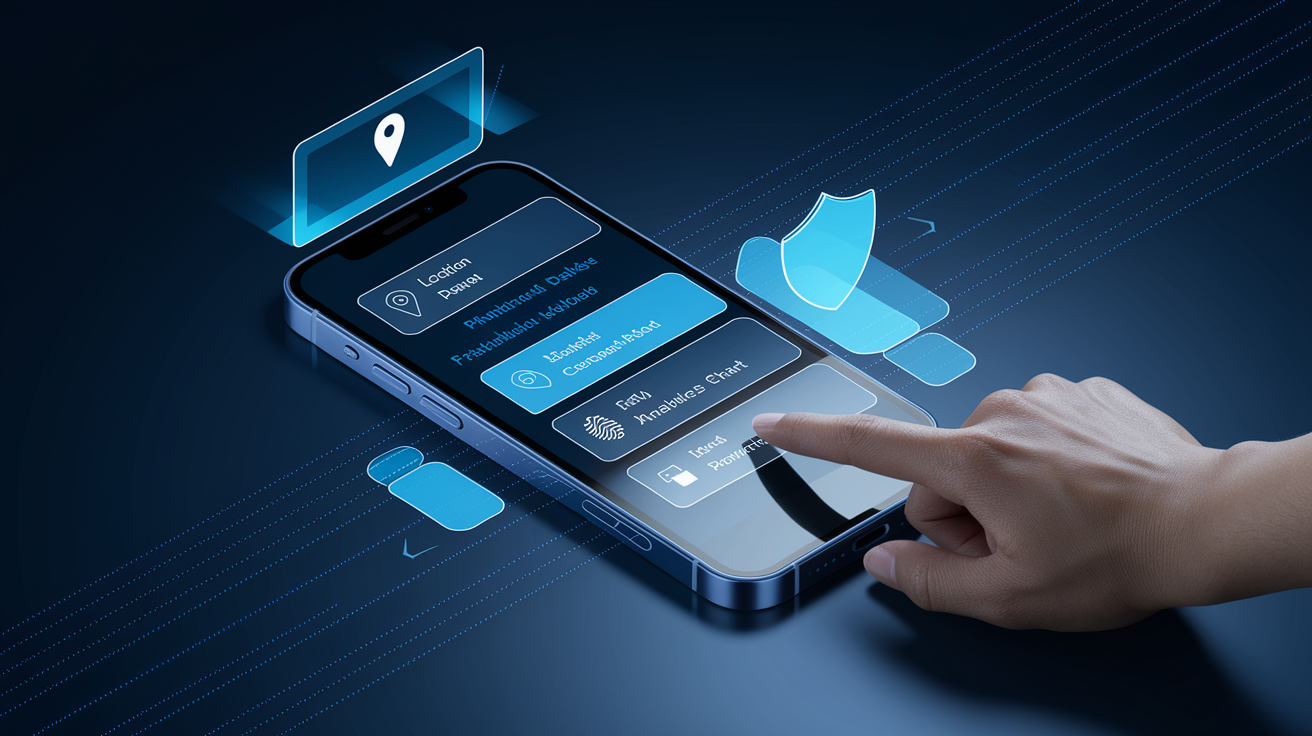
Privacy nutrition labels are those standardized boxes you see on app store pages that spell out what data an app grabs, how it uses that data, and who else gets a copy. Apple rolled them out on the App Store in December 2020, making developers fill in 14 categories about their data habits. Google came along with its Data Safety section mid-2022, adding fields for collection, sharing, optional data, and whether the app encrypts your stuff or lets you delete it. Both companies borrowed the idea from food labels: give people a quick look before they hit download.
The whole point? Make tracking visible so users and developers both change their behavior. When you can see which apps follow you around or vacuum up sensitive info, you can actually choose what to install. And developers? They feel the heat. Apps that admit to heavy tracking get fewer downloads, which pushes companies to ask themselves if they really need all that data. It’s a two-part thing: users vote with their installs, developers clean up to stay competitive.
Research from 2021 through 2024 shows it’s working, sort of. Network audits sampling hundreds to thousands of popular apps found that somewhere between 20–60% had at least one mismatch between what the label said and what the app actually did. Some developers left stuff out or classified things wrong. Still, studies comparing iOS apps to their Android twins found download drops of 12–15% for apps admitting to lots of tracking. And tracker use fell modestly, too. Some studies saw 10–25% fewer third-party tracking tools embedded in certain app categories after labels became mandatory. Plenty of trackers are still around, though.
Labels typically cover these main buckets:
- Contact information (name, email, phone, address)
- Location data (exact GPS or general area)
- Identifiers (device ID, user ID, ad identifier)
- Usage and diagnostics (how you use the app, crash logs, performance numbers)
Evidence on User Behavior and Download Patterns

Studies and real-world app store data confirm that labels change what people download. One analysis looking at apps on both iOS and Android found that iOS versions sometimes saw a 12–15% drop in weekly downloads compared to Android after Apple’s privacy labels went live. Lab tests from 2021–2023 showed that when people got clear labels, about 20–40% said heavy data collection would make them think twice. Real behavior change appears smaller, mostly among folks who already care about privacy. But even a small shift matters a lot in crowded app categories.
Demographics matter. Younger adults and people who’ve had bad privacy experiences react more to labels. Surveys after Apple’s iOS 14.5 App Tracking Transparency update found that only about 20% of users worldwide said yes to tracking prompts. The other 80% said no, proof that transparency lets people actually take control. Apps that rewrote their labels to show less data collection saw installs recover within weeks, which tells you label content directly affects market performance.
Three big behavioral changes showed up after labels launched:
- Preference shift toward minimal-tracking apps – People pick apps listing zero or limited items under “Data Used to Track You,” especially in categories like social media and productivity where you’ve got tons of alternatives.
- Increased uninstall rates for deceptive labels – Apps caught lying about their tracking got backlash. Negative reviews, higher uninstalls, the works, once audits or reports exposed the gaps.
- Greater scrutiny of permission prompts – Labels get users questioning in-app permission asks. Apps requesting location or contacts after declaring minimal collection face more denials and skepticism.
Developer Compliance and Accuracy Concerns

Independent audits keep finding gaps. Network traffic checks and SDK inspections done between 2021 and 2024 showed that a decent chunk of apps sent identifiers or behavior data to third parties even though their labels said otherwise. Estimates vary from one-fifth to more than half in some samples. Common problems? Leaving out third-party analytics SDKs, underreporting server-side data joins that happen later, using vague wording to hide actual tracking. Some developers genuinely didn’t know what third-party code was doing. Others made strategic bets that enforcement wouldn’t catch them.
Platform enforcement went from reactive to systematic over the first two years. In 2021, Apple and Google mostly relied on user reports and high-profile audits to trigger reviews. Removals and required label fixes numbered in the dozens, not hundreds. By late 2022 and into 2023, both platforms introduced automated cross-checks comparing labels against known SDK behavior and network patterns. Apple temporarily pulled some big apps for label violations. Google expanded its enforcement team. Corrective actions increased, and public warnings to developers got more frequent.
Stricter compliance doesn’t translate perfectly to less tracking, but you can see progress. Apps that revised labels under pressure often also cut the number of active third-party trackers. One audit tracking 250 popular apps over a year found that 39 of 163 apps initially declaring tracking later removed that disclosure. Traffic analysis confirmed genuine drops in cross-app identifier sharing for some of those apps. But some label changes were just cosmetic or shifted to harder-to-audit server-side collection, so compliance gains don’t always mean stronger privacy protections. Enforcement raised the cost of lying, nudging many developers toward honesty and, sometimes, actual reductions in data collection.
Platform Differences and Comparative Effectiveness
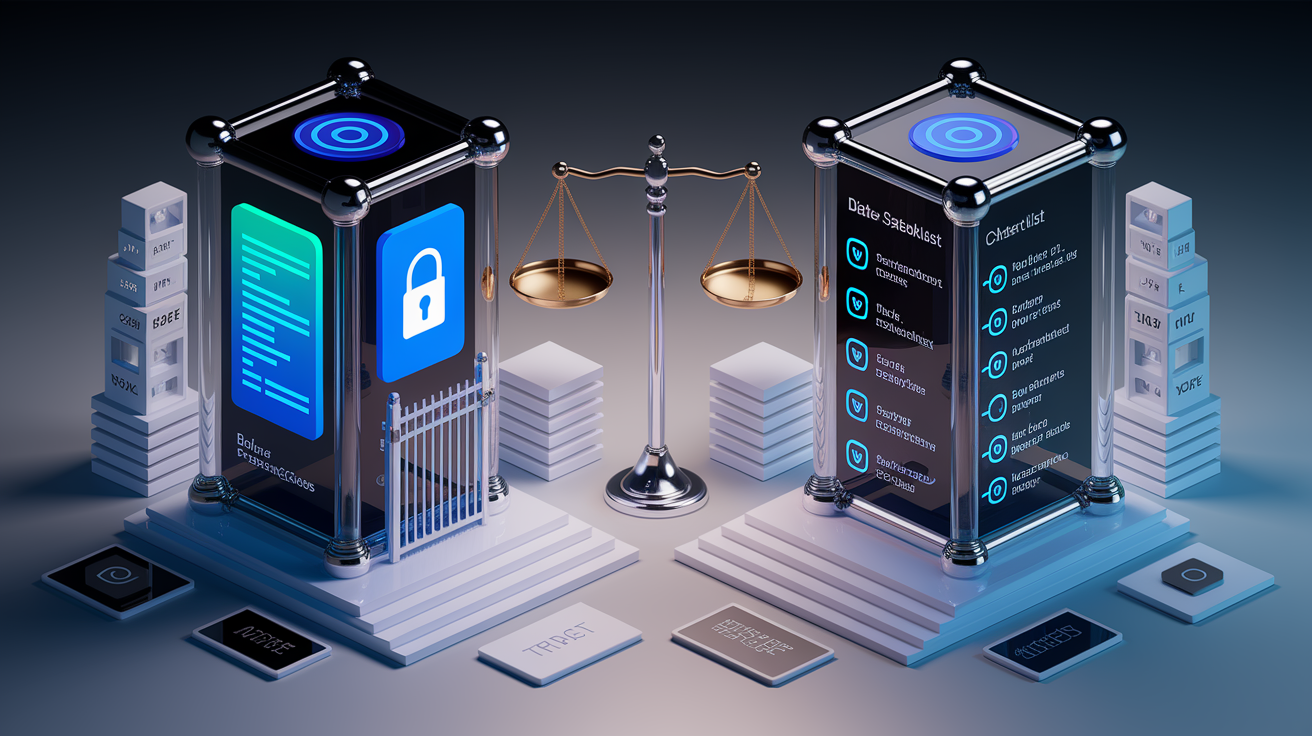
iOS introduced privacy nutrition labels in December 2020 with three categories: “Data Used to Track You,” “Data Linked to You,” and “Data Not Linked to You.” The labels show up on every App Store product page, covering 14 data types with required disclosure of purpose and linkage for each. Android’s Data Safety section, enforced broadly starting mid-2022, uses a form where developers state what data gets collected, whether it’s shared with third parties, whether collection is optional, and which security practices are in place like encryption in transit and user-initiated deletion.
User trust levels differ between the two. Surveys and behavior data suggest iOS users trust privacy labels more, partly because Apple paired label introduction with App Tracking Transparency (ATT), which requires explicit opt-in for cross-app tracking and drastically cut advertiser access to the IDFA. That policy combo reinforced the idea that labels have teeth. Android users deal with a more fragmented picture. Google’s Data Safety arrived later and wasn’t bundled with an equivalent tracking opt-in, leading to lower baseline trust and less immediate behavior change.
Enforcement and audit approaches also differ. Apple does selective manual reviews and has publicly removed or required corrections for apps with provably false labels, creating high-profile deterrent examples. Google leans more on automated policy scans and developer-console warnings, with fewer publicized actions. Both depend mainly on developer self-reporting. But Apple’s integration of labels with ATT and willingness to pull major apps for violations has built a stronger enforcement reputation.
| Platform | Label Type | Enforcement Strength |
|---|---|---|
| iOS (Apple App Store) | Three-category nutrition label (Track You / Linked / Not Linked); 14 data types | Moderate to high; coupled with ATT; public app removals; some automated cross-checks |
| Android (Google Play) | Data Safety multi-field form (collection, sharing, security practices) | Moderate; automated scans; developer warnings; fewer public enforcement cases |
| Cross-platform comparison | Apple emphasizes visual prominence; Google emphasizes detailed form fields | Apple’s policy pairing (ATT) and public actions yield higher perceived enforcement |
Long-Term Trends and Future Regulatory Pressure

Data tracking app ecosystems from late 2020 through 2024 shows a slow but steady drop in third-party tracking SDK use. Audits of popular app categories found that the average number of embedded trackers per app fell by roughly 10–25% in samples from high-traffic categories like social media, games, and productivity tools. This reflects both label-driven caution and broader platform policy shifts, including Apple’s ATT cutting IDFA availability and Google’s Privacy Sandbox initiatives aiming to phase out certain cross-app identifiers. Many apps still have analytics and ad SDKs, but the intensity and scope of tracking have cooled, especially for developers worried about label transparency and user perception.
Regulators in the US and EU are weighing whether to mandate standardized privacy disclosures by law, moving past voluntary platform policies. The EU’s Digital Markets Act and proposed ePrivacy updates contemplate requiring app stores to enforce machine-readable, auditable labels with penalties for false reporting. In the US, state privacy laws like California’s CCPA and its successors already impose disclosure requirements that overlap with app store labels. Federal proposals under consideration would create uniform national standards. If passed, these frameworks could require independent third-party audits, eliminate pure self-reporting, and establish legal liability for mislabeling, raising the stakes way beyond current platform enforcement.
Future regulatory and technical improvements are likely to center on three areas. First, standardizing definitions of “tracking,” “linked data,” and “sharing” across platforms and jurisdictions to cut ambiguity and improve label accuracy. Second, requiring or enabling routine automated audits that compare declared labels against observed network traffic, SDK manifests, and server-side data flows, closing the gap between disclosure and behavior. Third, building user-facing tools that let you compare labels side by side, filter apps by privacy criteria in store search, and surface label changes over time to flag sudden spikes in data collection. Combining legal mandates, technical enforcement infrastructure, and better user interfaces would turn privacy labels from helpful transparency tools into enforceable accountability mechanisms with measurable, long-term cuts in unnecessary app tracking.
Final Words
In the action, privacy nutrition labels give quick summaries of what apps collect and steer users away from heavy tracking. They’ve nudged download choices, revealed some misreporting, and forced platforms to tighten enforcement.
They’re not flawless — audits still find gaps and each platform varies — but labels have already changed behavior and cut some third-party tracking.
If you want more control, check labels before installing. They show how smartphone privacy labels affect app tracking and should keep getting better.
FAQ
Q: How to make sure an app is not tracking you?
A: To make sure an app is not tracking you, check and revoke its permissions (location, microphone, camera), disable app tracking in iOS/Android settings, remove background data access, and uninstall apps you don’t trust.
Q: How usable are iOS app privacy labels?
A: iOS app privacy labels are usable as a quick summary of declared data collection and can guide downloads, but accuracy varies—cross-check app permissions, the privacy policy, and independent audits when possible.
Q: Can you tell if someone is checking your location on your phone?
A: You can sometimes tell if someone is checking your location by spotting active location sharing (Find My, Maps), a persistent location icon, unfamiliar devices on your account, odd battery drain, or unknown apps—revoke sharing and scan for stalkerware.
Leave a Reply