Think on-device AI is just a convenience? It might be quietly killing your battery.
When your phone runs AI locally, enhancing photos, transcribing speech, or translating offline, it lights up high-power chips and keeps them busy, raising drain and heat.
That can cut battery life dramatically and trigger thermal throttling that slows performance.
This piece explains exactly how on-device AI drives power use, which hardware and tasks cause the worst hits, how local compares to cloud, and simple steps to keep your phone cool and lasting longer.
How On‑Device AI Directly Affects Smartphone Battery Life and Performance
When your phone processes an AI task locally, whether that’s enhancing a photo, translating text offline, or transcribing your voice, it fires up specialized hardware that draws way more power than typical scrolling or browsing. Tests show that running AI features can bump battery drain up by 50% during active use. The culprit? Heavy compute demand, sustained processor activity, and heat generation that stops the device from dropping into low-power standby.
On-device AI models need substantial storage and continuous processing power. Deploying certain assistants can eat up around 7 to 8 GB during installation, and once they’re running, tasks like real-time image enhancement or speech recognition push the CPU, GPU, and neural processing unit into high-utilization modes. This load generates heat in the chipset area, which triggers thermal management systems to slow down the processor. That’s thermal throttling. In real tests, heavy AI workloads have drained batteries to 0% in under 4 hours. Local AI models can cut overall phone autonomy by a factor of 12 to 15 compared to idle conditions, with instantaneous discharge rates climbing above 500 µAh/s.
The reason these effects show up consistently across different smartphones is simple physics. Every inference operation requires millions of mathematical calculations, and moving data between memory and compute cores costs energy. Modern mobile chips bundle different compute blocks (CPUs, GPUs, NPUs, image signal processors), but all of them generate heat when active. Battery chemistry limits how much current can be safely drawn. As long as AI models demand sustained high-frequency operation and large data movement, the thermal and power limits of a pocket-sized device will remain a hard constraint.
Top mechanisms causing battery drain and performance reduction:
Sustained high CPU/GPU/NPU utilization during inference prevents the phone from entering idle or low-power states.
Heat generation from compute blocks forces thermal throttling, reducing clock speeds and extending task duration. This can actually increase total energy used.
Memory and cache activity moving large model weights and intermediate tensors between RAM and compute units adds overhead.
Background AI processing for filters, recommendations, or continuous analysis runs even when apps appear inactive, consuming cycles invisibly.
Combined workloads like camera plus AI enhancements or voice plus animations compound power draw and heat, amplifying the impact.
Longer task runtimes for complex models increase total milliamp-hours drained, even if instantaneous discharge rate is lower than smaller models.
These mechanisms interact and compound each other. A phone running a demanding local AI model will stay warm, run its cooling harder, and often finish the task more slowly due to throttling. Each effect adds to the total energy cost and reduces the hours you get from a single charge.
Comparing On‑Device vs Cloud AI and Their Different Battery Impacts
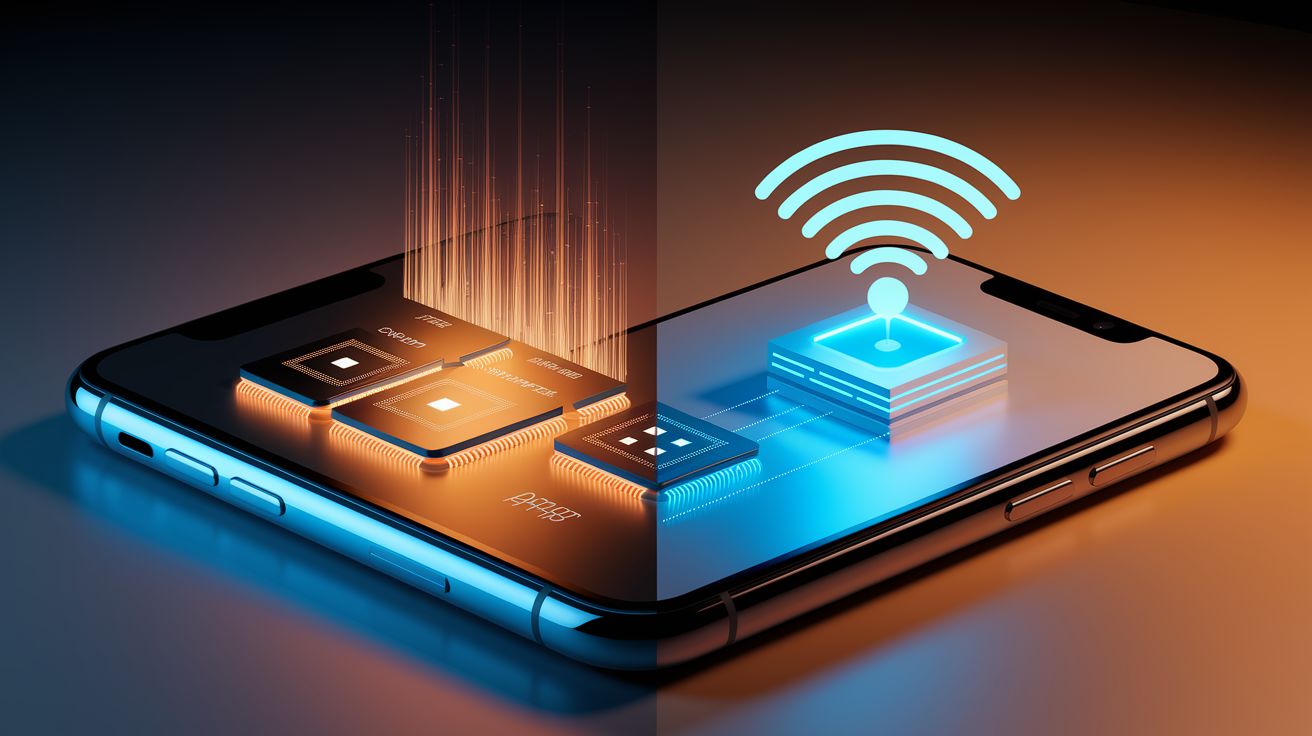
On-device AI keeps all computation inside your phone. This delivers low latency (responses feel instant) and works offline, which is critical for translation in airplane mode or voice commands without network access. Privacy also improves because your data never leaves the device. The tradeoff is sustained local compute load, which raises device temperature and pulls continuous high current from the battery.
Cloud-based AI offloads the heavy math to remote servers. Your phone sends the input data (a photo, a voice clip, a text prompt) over the network, waits for the server to process it, and receives the result. This approach reduces the compute burden on your device, lowering CPU/GPU/NPU activity and often cutting local power draw. But it increases energy use by the cellular modem or Wi‑Fi radio, especially during prolonged data exchanges. In controlled tests, remote models were measured as using 21 to 37 times less total energy per response than local models, largely because the phone spends only seconds transmitting and receiving data instead of minutes grinding through billions of operations.
Hybrid approaches try to split the difference. An app might run lightweight preprocessing (cropping an image, extracting audio features) locally, then send condensed data to the cloud for the final inference. This keeps some privacy and reduces network payload, but it also introduces background sync activity. Continuous small transfers to keep models current or to preload results can cause unexplained battery drain even when the app sits idle. Network quality matters here. Good Wi‑Fi keeps modem power low, but poor 4G or 5G signals force the baseband to boost transmit power, raising battery cost during cloud sessions.
When cloud AI is more efficient and when local AI is better:
Cloud is better for complex generation tasks (high-resolution image synthesis, long-form text generation), infrequent or bursty workloads, scenarios where you have strong Wi‑Fi and don’t mind slight latency.
Cloud is worse for real-time interactions (camera filters, live translation), offline use, privacy-sensitive tasks, situations with poor or metered network connections.
Local is better for instant responsiveness (voice commands, augmented reality overlays), offline functionality, keeping personal data private, short repeated tasks where startup overhead dominates.
Local is worse for sustained heavy workloads (video editing, large-model chat sessions), thermally constrained devices, battery-limited scenarios where every percentage point counts.
Hybrid works when you can preprocess locally to reduce upload size and offload only the compute-heavy final step, balancing latency, privacy, and power without fully committing to either extreme.
| Processing Mode | Latency Expectation | Battery Cost |
|---|---|---|
| On‑Device (Local) | Low (immediate, no network wait) | High (sustained CPU/GPU/NPU load, heat) |
| Cloud (Remote) | Medium (network round-trip delay) | Low to medium (modem activity, server does compute) |
| Hybrid (Split Inference) | Medium (local + network steps) | Medium (local preprocessing + modem use) |
Hardware Factors Behind AI Power Use (CPU, GPU, NPU, and Thermal Limits)
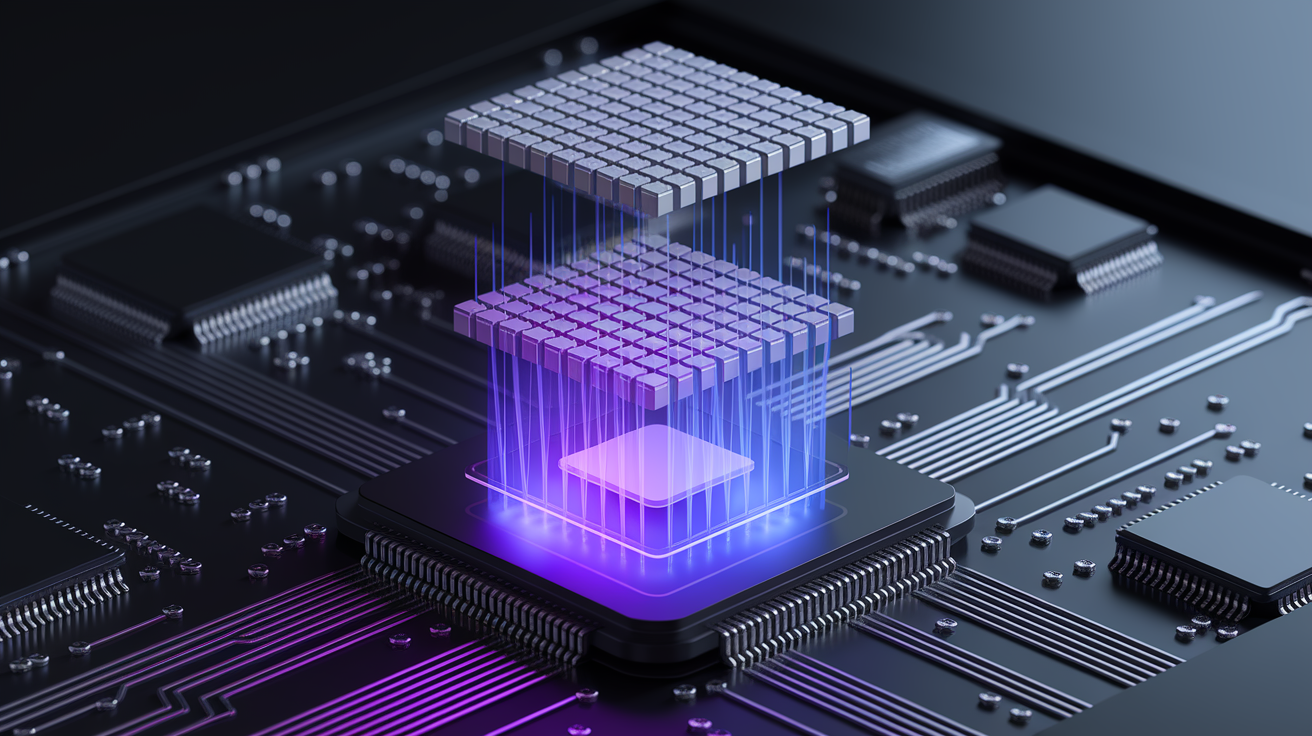
Modern smartphone chips bundle multiple compute engines, each optimized for different workloads. The CPU handles general tasks, the GPU accelerates graphics and parallel math, and the NPU (neural processing unit) is purpose-built for AI inference. NPUs can deliver dramatically lower energy per inference operation, sometimes an order of magnitude better than running the same model on the CPU. But under sustained load, even an efficient NPU generates significant heat. When an on-device generative model pushes the GPU or NPU hard enough for extended periods, the phone’s thermal management kicks in, slowing clock speeds to prevent damage.
Thermal throttling is the phone’s self-protection mechanism. As the chipset heats up, the operating system reduces processor frequencies, which lowers performance and can actually increase total energy use because tasks take longer to finish. Larger AI models amplify this effect. A model with billions of parameters might run at a lower instantaneous power draw (measured in microampere-hours per second, µAh/s) than a smaller model, but because it takes much longer to complete each response, the total milliamp-hours drained can be higher. Tests show that a 7.62-billion-parameter model consumed the highest total energy per run despite a lower instantaneous rate, because runtime stretched beyond 50 seconds per prompt.
Combined workloads make things worse. Running AI-powered camera enhancements while recording video, or applying real-time filters during a video call, stacks multiple high-power subsystems (image sensor, ISP, GPU, NPU) on top of each other. Heat builds faster, throttling arrives sooner, and battery percentage drops visibly within minutes.
How CPU, GPU, and NPUs differ in power cost and heat output:
CPU (general-purpose cores): Flexible but inefficient for AI. High power per operation, significant heat, suitable only for small models or preprocessing steps.
GPU (graphics cores): Better parallel throughput than CPU, used when NPU is unavailable or for mixed graphics plus AI tasks. Moderate to high power draw, substantial heat under sustained load.
NPU (neural accelerator): Lowest energy per inference operation, purpose-built for matrix math and quantized models. Still generates heat during continuous use, and not all models or frameworks can use it.
Heterogeneous scheduling: Modern chips try to route work to the most efficient block, but switching between compute units adds latency and management overhead. Poor scheduling can waste power.
Thermal throttling doesn’t just slow the processor. It also degrades user experience. Frame rates drop in real-time camera filters, voice assistants take longer to respond, and background AI tasks queue up, extending total active time and preventing the phone from sleeping. This feedback loop between heat, throttling, longer runtimes, and higher total energy cost is why even efficient NPUs can’t fully eliminate battery impact when running demanding on-device AI continuously.
Measuring the Battery Impact of On‑Device AI: Benchmarks, Tools, and Real Data
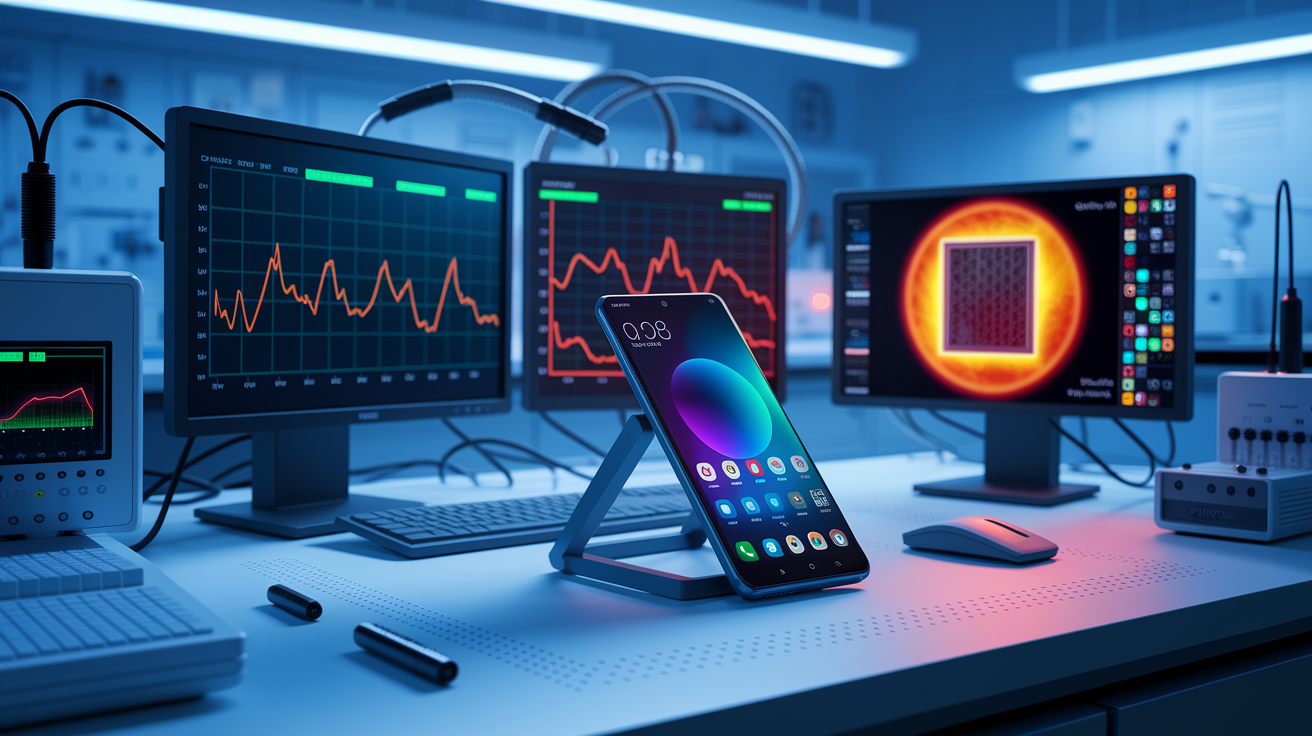
Accurately measuring AI’s battery impact requires controlled conditions and careful instrumentation. Researchers and reviewers typically fix variables like screen brightness (often 50%), background apps, network state (offline for local tests, Wi‑Fi for cloud tests), and ambient temperature. They use profiling tools (some built into the operating system, others external current meters) to capture instantaneous discharge rates in microampere-hours per second (µAh/s) and total milliamp-hours (mAh) drained per task. Controlled tests on a Samsung Galaxy S10 measured a baseline screen-on, idle discharge of roughly 36 µAh/s, but during on-device AI inference, that figure spiked above 500 µAh/s. More than a tenfold increase.
These tests ran multiple iterations (minimum five per condition) using the same prompts, model configurations, and app versions to ensure reproducibility. Local models running via the llama.cpp framework on CPU-only mode were tested offline, while cloud models accessed via ChatGPT and Gemini apps used Wi‑Fi. Token context size was fixed at 4,096, and each conversation followed the same five-prompt structure with 300-character answers. This level of control isolates the AI workload from confounding factors like variable network latency or background app updates.
Real data from these tests shows stark differences. Local models achieved only 1 hour and 45 minutes to roughly 2 hours and 10 minutes of total autonomy when run continuously, depending on model size. Cloud-based responses allowed the same device to generate thousands of replies (over 5,000 in some cases) before hitting 0% battery. The difference comes down to how long the device stays in high-power mode. Local inference keeps the CPU or NPU active for tens of seconds per response, while cloud requests involve only brief modem activity.
Key measurement variables that affect results:
Screen brightness: Higher brightness adds constant drain on top of AI processing. Standardized tests use 50% or a fixed nit value.
Network state: Offline tests isolate local compute. Online tests include modem overhead, which varies with signal strength and protocol (4G, 5G, Wi‑Fi).
Token or context size: Larger contexts mean more memory access and longer processing time, increasing total energy.
Model parameters: Bigger models (billions of parameters) take longer per inference, raising total mAh even if instantaneous µAh/s is lower.
App behavior: Background sync, preloading, or animations add hidden compute. Controlled tests disable or account for these.
Thermal state: A phone already warm from prior use will throttle sooner, extending task time and altering measured power draw.
| Model Size (Parameters) | Instantaneous Discharge (µAh/s) | Total Discharge per Run (mAh) |
|---|---|---|
| ~1.24 billion (Llama 3.2) | ~535 | Lower total due to faster completion (~25.9 s) |
| ~2 billion (Gemma 2) | ~522 | Moderate total |
| ~7.62 billion (Qwen 2.5) | ~435 | Highest total (~118.1 mAh) due to long runtime (~54.2 s) |
These measurements provide a clear takeaway. Developers and consumers can see exactly how much battery capacity a given AI task will consume under realistic conditions, helping inform design choices (model selection, hardware requirements) and user expectations (how many photos can be enhanced, how many voice commands before needing a charge). External validation from independent labs and third-party reviewers backs up these findings, showing consistent patterns across different devices and workloads.
AI Workloads That Drain Phones Fastest (Cameras, Video, Assistants, LLMs)

Not all AI features are created equal when it comes to battery impact. The heaviest drains come from workloads that combine sustained compute, continuous sensor input, and real-time processing. AI-enhanced photography is a prime example. Modern camera apps apply machine learning for scene detection, multi-frame noise reduction, portrait segmentation, and live filters. Each shutter press can trigger multiple neural network inferences (analyzing the scene, selecting the best frames, merging exposures, sharpening details) all within seconds. Shooting a burst of photos or recording video with real-time beautification keeps the NPU, ISP, and GPU active simultaneously, compounding power draw.
Short-form video apps like TikTok or Instagram Reels perform local AI filtering and content analysis in the background, even when you’re just scrolling. Recommendation engines process what you watch, how long you pause, and which clips you skip, feeding that data into models that rank the next set of videos. Real-time effects (face tracking, background blur, augmented reality stickers) add another layer of continuous inference. These apps can consume significant CPU, GPU, and NPU cycles without you actively creating content, turning passive browsing into an energy-intensive activity.
On-device large language models represent the most extreme case. Generating even a few hundred words can take 30 to 50 seconds on current mid-range hardware, during which the phone draws over 500 µAh/s and prevents standby. Generative AI creation apps (those that produce images, edit videos using AI, or synthesize audio) have been shown to drain batteries within 4 hours of continuous use. One internal test cited the need for roughly 50% more battery capacity just to run a popular on-device generative model (Stable Diffusion) at acceptable performance and thermal limits.
Continuous voice assistants and augmented reality applications also rank high. Voice detection requires always-on microphone monitoring and keyword spotting, which uses low-power modes but still adds up over a full day. When you activate the assistant, speech recognition, natural language processing, and response generation all kick in, often combining local and cloud processing. AR apps for navigation, gaming, or shopping overlays demand real-time camera input, object detection, 3D rendering, and spatial tracking. Essentially running a video game engine plus multiple AI models at once.
Heaviest real-world AI tasks ranked by typical battery impact:
On-device generative models (image/text/video synthesis): Can drain a full battery in under 4 hours of active use. Highest instantaneous power draw and longest sustained compute.
Real-time video effects and filters: Continuous camera plus AI processing during video calls or recording. Moderate to high drain depending on resolution and complexity.
AI-enhanced photography (multi-frame processing, portrait mode): Bursts of high power during capture. Cumulative impact grows with frequent shooting.
Short-form video app browsing with background analysis: Steady moderate drain from recommendation engines, background content filtering, and live effects even while scrolling.
Continuous voice assistant activation and local speech processing: Lower per-event cost but adds up with frequent queries. Always-on listening has minimal but measurable baseline cost.
Understanding which tasks hit hardest helps users make informed choices: switching to cloud processing for heavy generation, disabling live filters when battery is low, or limiting burst photo sessions during long days away from a charger.
Optimization Techniques Manufacturers Use to Reduce AI Battery Drain
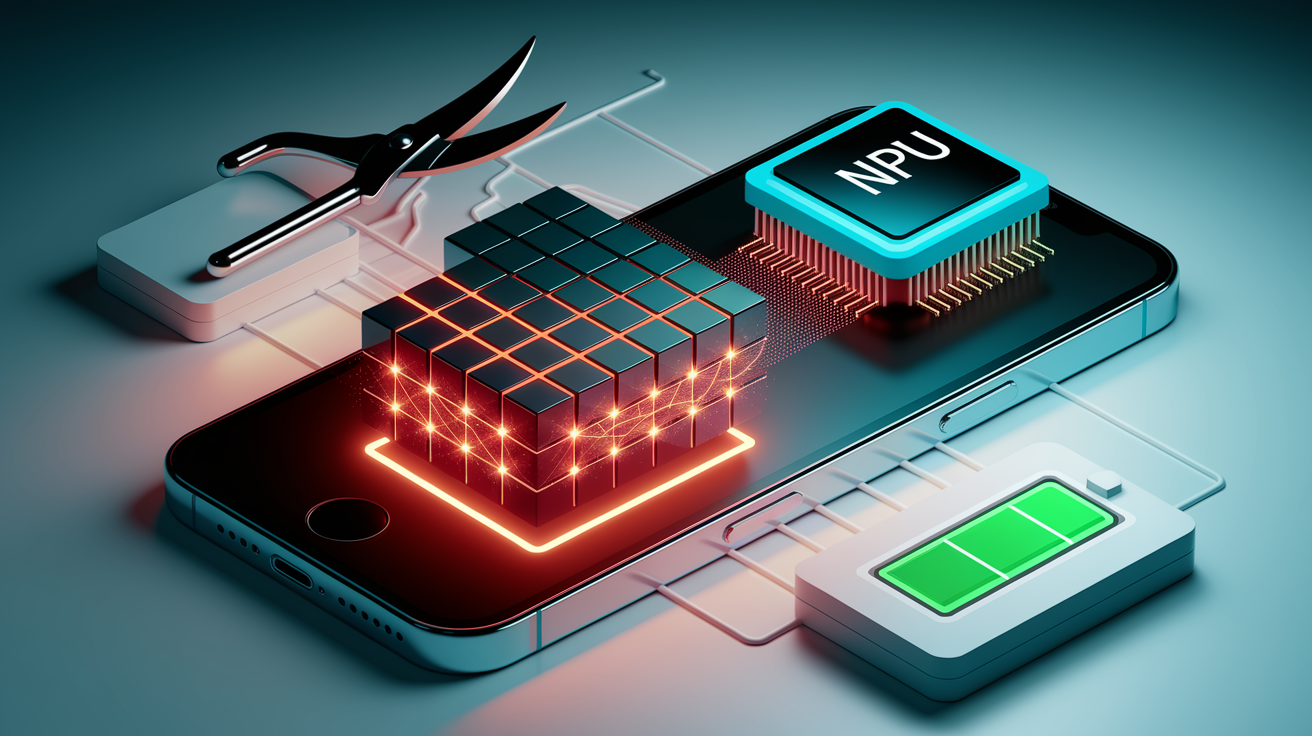
Smartphone makers and chip designers deploy a range of strategies to squeeze more AI performance from limited battery capacity. Model quantization is one of the most effective. Full-precision AI models use 32-bit floating-point numbers for every weight and activation, but quantization reduces that to 8-bit or even 4-bit integers with minimal accuracy loss. This cuts memory footprint, speeds up computation, and lowers energy per operation, sometimes by half or more. Pruning goes further by removing less important connections in the neural network, shrinking the model size and compute load without significantly degrading output quality.
Manufacturers also deploy smaller, distilled model variants specifically tuned for mobile use. A cloud-based model with billions of parameters might be compressed into a few hundred million for on-device deployment, trading a bit of capability for dramatic power savings. Hardware accelerators (dedicated NPUs or AI blocks inside the chip) are purpose-built to handle these quantized, pruned models efficiently, moving work off the general-purpose CPU and GPU. Dynamic scheduling and heterogeneous compute management route tasks to the most power-efficient block available, balancing performance and energy.
Thermal and voltage scaling play a role too. Modern chips can adjust clock speeds and voltage on the fly, ramping up when you need instant response and throttling back during less demanding moments. Hybrid split-inference (where the phone does lightweight preprocessing locally and offloads the compute-heavy layers to the cloud) reduces local energy cost while keeping latency reasonable. Operating system-level energy budgets and background task limits cap how long AI processes can run continuously, forcing apps to pause or yield CPU time, which allows the device to enter lower-power states intermittently.
Optimization methods manufacturers and developers use:
Quantization (8-bit, 4-bit models): Reduces memory bandwidth and compute energy per inference with minimal accuracy trade-off.
Pruning and sparsity: Removes redundant weights and connections, shrinking model size and speeding execution.
Smaller on-device variants: Purpose-built lightweight models that sacrifice some capability for lower power draw.
Hardware NPUs and AI accelerators: Dedicated silicon blocks optimized for matrix math and low-precision operations.
Dynamic frequency and voltage scaling: Adjusts processor speed and power based on workload demand in real time.
Hybrid and split inference: Offloads heavy layers to the cloud while keeping latency-sensitive steps local.
Poor optimization can backfire. Operating system updates that ship with inefficient AI components have caused sudden battery life regressions in real-world devices. In reported cases, users saw normal usage time cut nearly in half after an update introduced a local assistant that ran background inference poorly. Disabling the AI component restored expected battery behavior, highlighting the importance of rigorous power profiling and testing before deployment. When optimization is done right, it’s invisible. When it’s done wrong, users notice immediately.
User Controls, Settings, and Practical Tips to Reduce AI‑Driven Battery Drain
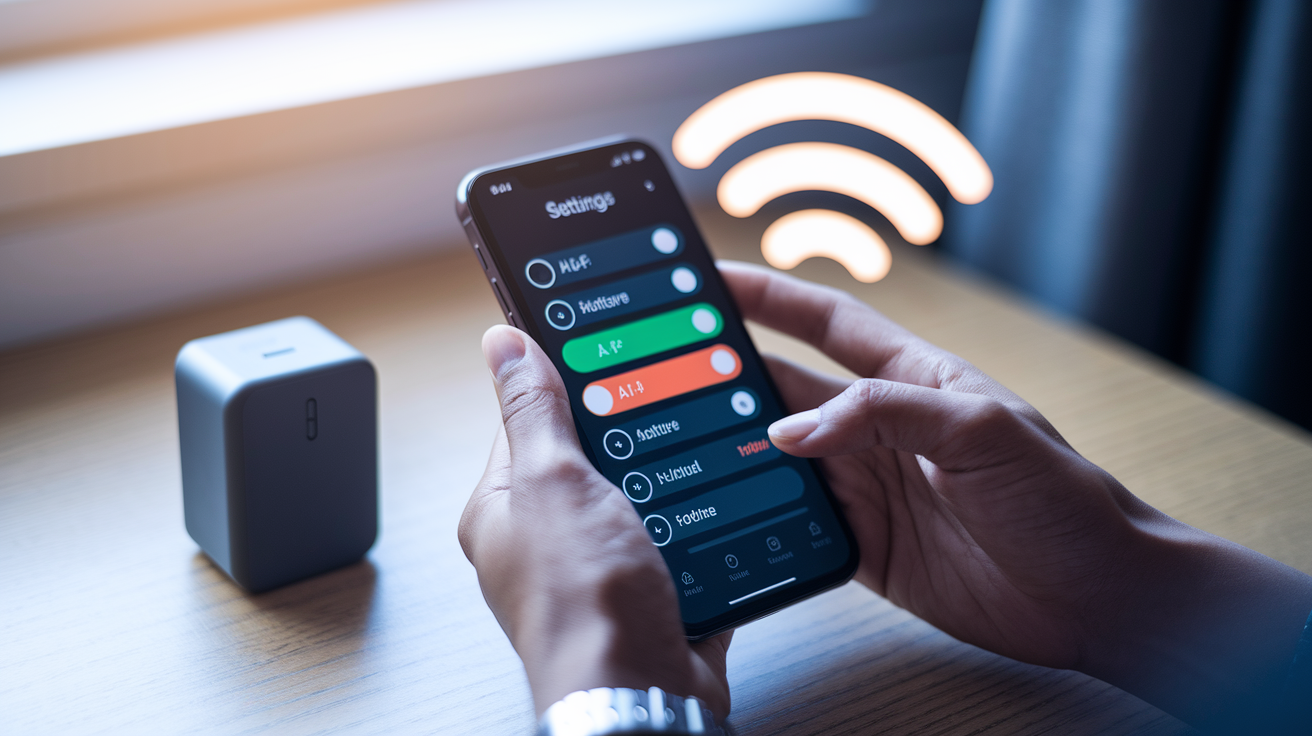
You don’t have to accept heavy AI battery drain as inevitable. Modern smartphones offer several user-accessible controls to dial back or disable power-hungry features. Start by reviewing which AI functions you actually use. Many phones ship with dozens of on-device features enabled by default (live translation, voice wake words, automatic photo enhancement, smart replies, predictive text with large models), but you may rely on only a handful. Turning off the rest in settings can reclaim significant battery headroom.
Background data restrictions are especially effective. AI apps often sync models, upload analytics, or preload content in the background to feel responsive when you open them. Limiting background mobile data access for these apps forces them to wait until you’re on Wi‑Fi or actively using the app, cutting invisible drain. Similarly, reducing model resolution or complexity (choosing a “lite” camera mode instead of full AI enhancement, or selecting a smaller assistant model in settings) lowers compute demand per task. When privacy and latency aren’t critical, prefer cloud processing for heavy workloads like photo editing or long generative text sessions. The energy savings can be dramatic.
User actions to reduce AI-driven battery drain:
Disable nonessential AI features: Turn off voice wake words, live translation, or automatic photo enhancements you rarely use.
Restrict background data and sync for AI apps: Prevent models from updating or uploading analytics when the app is closed.
Use strong Wi‑Fi for cloud AI tasks: Wi‑Fi radios consume less power than cellular modems, especially on poor signals.
Lower model complexity or resolution: Select “standard” instead of “high-quality” AI modes in camera or assistant settings.
Monitor per-app battery usage: Check your phone’s battery stats weekly to identify apps running hidden AI processes.
Enable battery-saver or adaptive performance modes during long sessions: These OS modes throttle background activity and cap CPU speeds to extend runtime.
The highest-impact control is simply awareness. Check your phone’s battery usage breakdown regularly. If an app you barely opened is consuming 10% or 15% of your daily battery, it’s likely running background AI or poorly optimized inference. Uninstalling or restricting that app can restore hours of standby time. For users who rely heavily on AI features, carrying a small power bank or using well-ventilated fast chargers during the day becomes a practical mitigation strategy until battery technology and software optimization catch up to the rising power demands.
Long-Term Effects: Battery Health, Device Longevity, and Environmental Implications

Sustained AI workloads don’t just drain your battery faster day to day. They also accelerate long-term battery wear. Lithium-ion batteries degrade with every full charge-discharge cycle, and typical smartphone batteries tolerate roughly 500 to 1,000 cycles before capacity drops noticeably. Running heavy on-device AI frequently means more cycles per week, faster capacity fade, and earlier battery replacement or device upgrade. Each deep discharge heats the battery slightly, and heat is a primary driver of chemical degradation inside the cells.
Beyond individual devices, the shift to on-device AI has broader environmental implications. Increased demand for larger batteries and more powerful chips shifts the environmental cost upstream to manufacturing. Producing bigger batteries requires more lithium, cobalt, and energy. More complex chips with dedicated NPUs and extra cooling solutions add rare materials and manufacturing steps. If users replace phones more often because battery life becomes unacceptable sooner, the aggregate environmental footprint grows. More e-waste, more mining, more production energy.
There’s also a system-level energy question. Cloud AI concentrates compute in datacenters, which can use grid power and optimized cooling. On-device AI distributes that compute across billions of phones, each powered by a small battery charged from varied grid sources. While local processing can reduce datacenter load, it may increase total global energy consumption if billions of devices are each running inefficient models instead of sharing optimized cloud infrastructure. The net environmental impact depends on deployment scale, model efficiency, and how often users actually invoke AI features.
Main long-term effects of heavy AI use on phones:
Accelerated battery degradation: Frequent deep discharges and heat from sustained AI workloads shorten battery lifespan and usable capacity over months.
Earlier device replacement pressure: Users may upgrade sooner when battery health drops or performance becomes unacceptable, increasing e-waste.
Higher manufacturing environmental cost: Demand for larger batteries and more complex chips with NPUs increases material extraction and production energy.
Potential increase in aggregate energy footprint: Shifting compute from efficient datacenters to billions of individual devices may raise total energy consumption unless models and hardware are specifically optimized for low power.
Manufacturers are responding with battery technology improvements. Silicon-anode cells that offer up to roughly 30% more capacity than current graphite-anode designs, but these gains are incremental and may not keep pace with the 150-fold projected increase in generative AI usage by 2028. Long-term device longevity and environmental sustainability will depend on continued progress in both battery chemistry and AI efficiency optimization.
Key Things to Keep in Mind About AI’s Influence on Battery Life and Performance
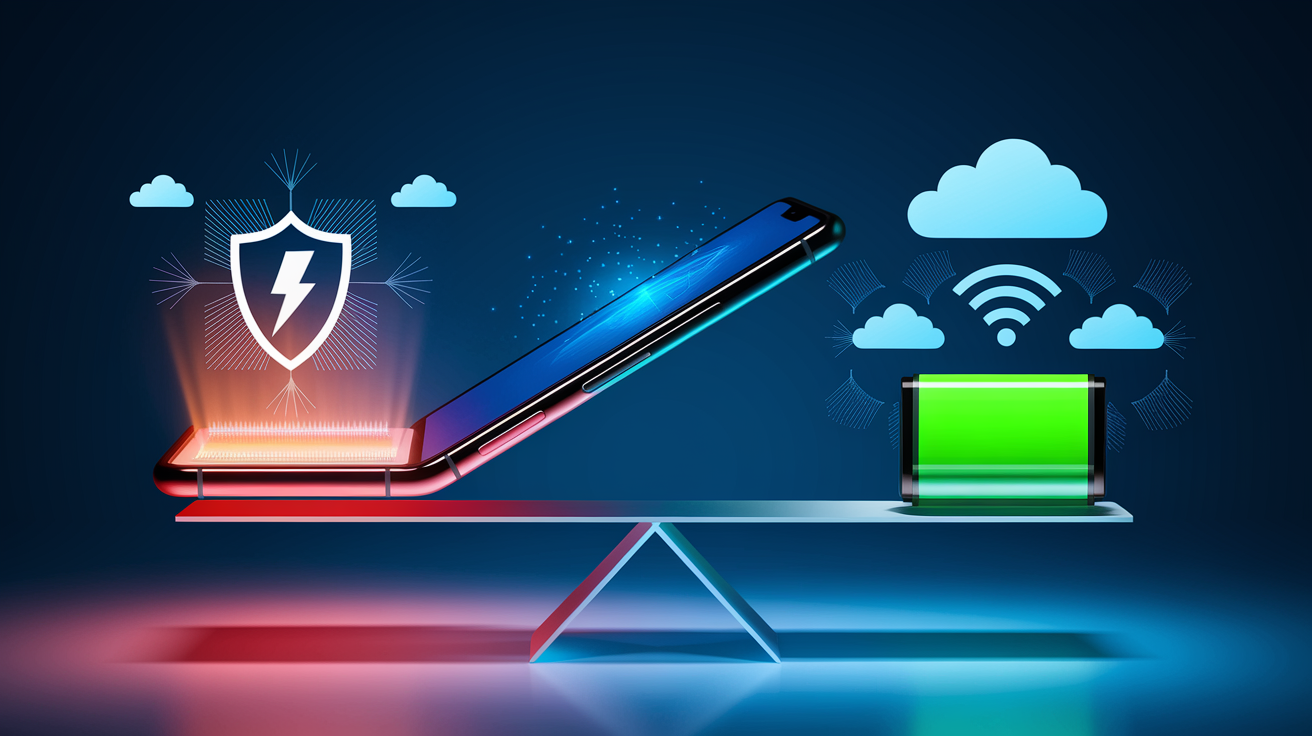
On-device AI delivers real benefits (speed, offline capability, and privacy), but it comes with measurable costs in heat, power draw, and reduced battery runtime. Cloud AI shifts the compute burden to servers, lowering local energy use but introducing network dependency and latency. Your choice between local and cloud processing should depend on the task’s complexity, your current network quality, and how much battery life you can afford to spend.
Future improvements are on the horizon. Chip makers are designing more efficient NPUs, software teams are deploying better quantization and pruning, and battery researchers are testing silicon-anode architectures that promise up to 30% more capacity. Still, the gap between AI’s rising power demands and battery technology’s slow improvement curve means trade-offs will remain for years.
Most essential reminders for readers:
On-device AI increases instantaneous power draw and heat, reducing battery runtime significantly during active use.
Cloud AI reduces local compute load but increases modem activity. Strong Wi‑Fi minimizes the energy penalty.
Background AI processes can drain battery invisibly. Monitor per-app usage and restrict background data for AI-heavy apps.
Thermal throttling kicks in during sustained AI workloads, slowing performance and paradoxically increasing total energy cost.
Long-term heavy AI use accelerates battery wear, shortening device lifespan and pushing earlier replacement or battery service.
Understanding these dynamics helps you make informed choices: whether to enable every new AI feature, when to rely on cloud processing, and how to adjust settings to balance capability and battery life. As AI becomes standard across all smartphones, managing its power impact will be as important as managing screen brightness or app permissions.
Final Words
We showed how on-device AI raises CPU, GPU, and NPU load, creates heat, and speeds up battery drain. Tests link heavy AI work to much shorter run times and thermal throttling.
We covered cloud vs local tradeoffs, hardware limits, benchmarks, heavy app use cases, optimization tricks, and practical user controls.
Understanding the impact of on-device AI features on smartphone battery life and performance helps you choose settings and workflows that save power now, and newer models and smarter chips are already making this easier.
FAQ
Q: Is AI draining my phone battery, how does it affect smartphones, and will turning off AI on iPhone save battery?
A: AI draining your phone battery and affecting phones: on-device AI raises CPU/GPU/NPU usage, heat, and sustained power draw. Disabling nonessential or background AI features on iPhone usually reduces battery drain and throttling.
Q: What is the 20/80 battery rule?
A: The 20/80 battery rule is keeping your charge between about 20% and 80% to slow lithium-ion wear. Aim to charge before 20% and stop near 80% when convenient to extend battery lifespan.
Leave a Reply