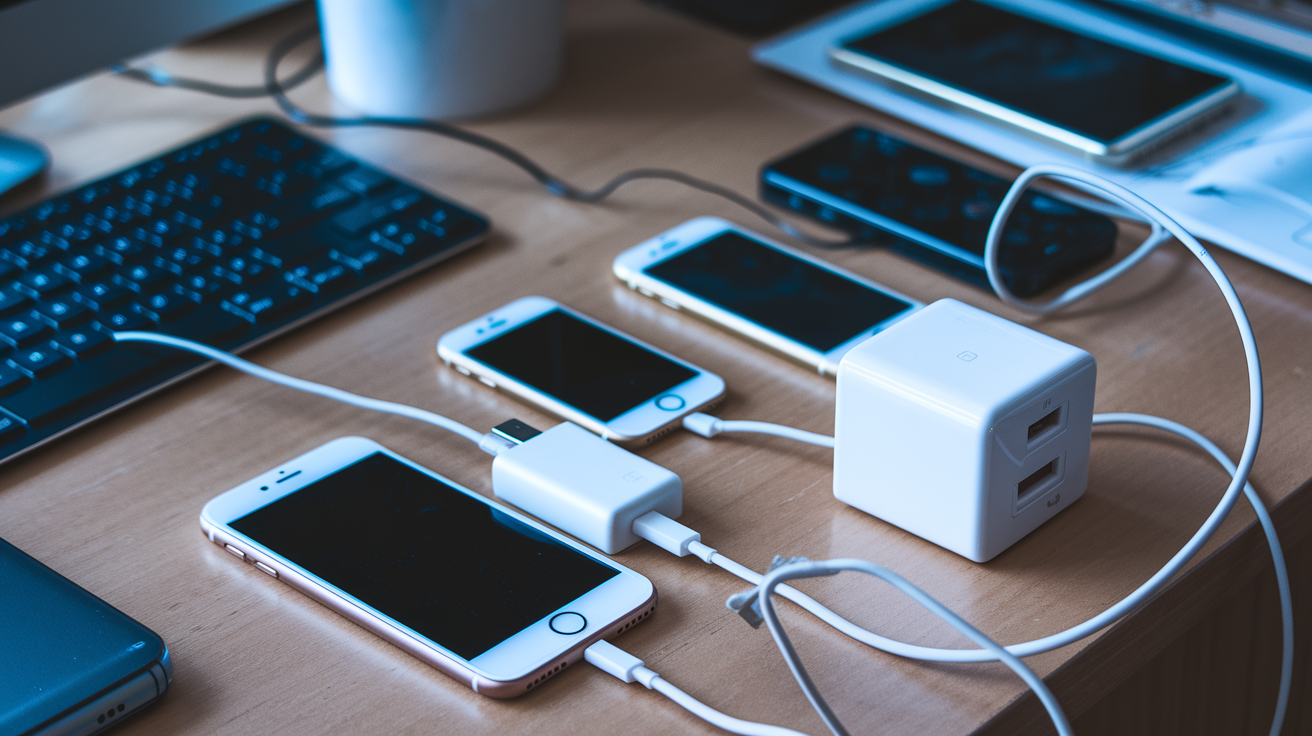
Are regulators about to force you to toss every old charger you own?
No. The new USB-C mandates apply only to products sold after the deadlines, not devices already in use.
The EU requires USB-C on most phones and tablets from Dec 28, 2024, and on laptops by Apr 28, 2026.
But adapters, legacy plugs, and fast-charge tricks create gray areas: physical connection doesn’t always mean faster or safer charging.
This post explains exactly what changes, what stays the same, and what you should do with older phones, tablets, and chargers.
How USB-C Mandates Affect Older Devices and Existing Chargers
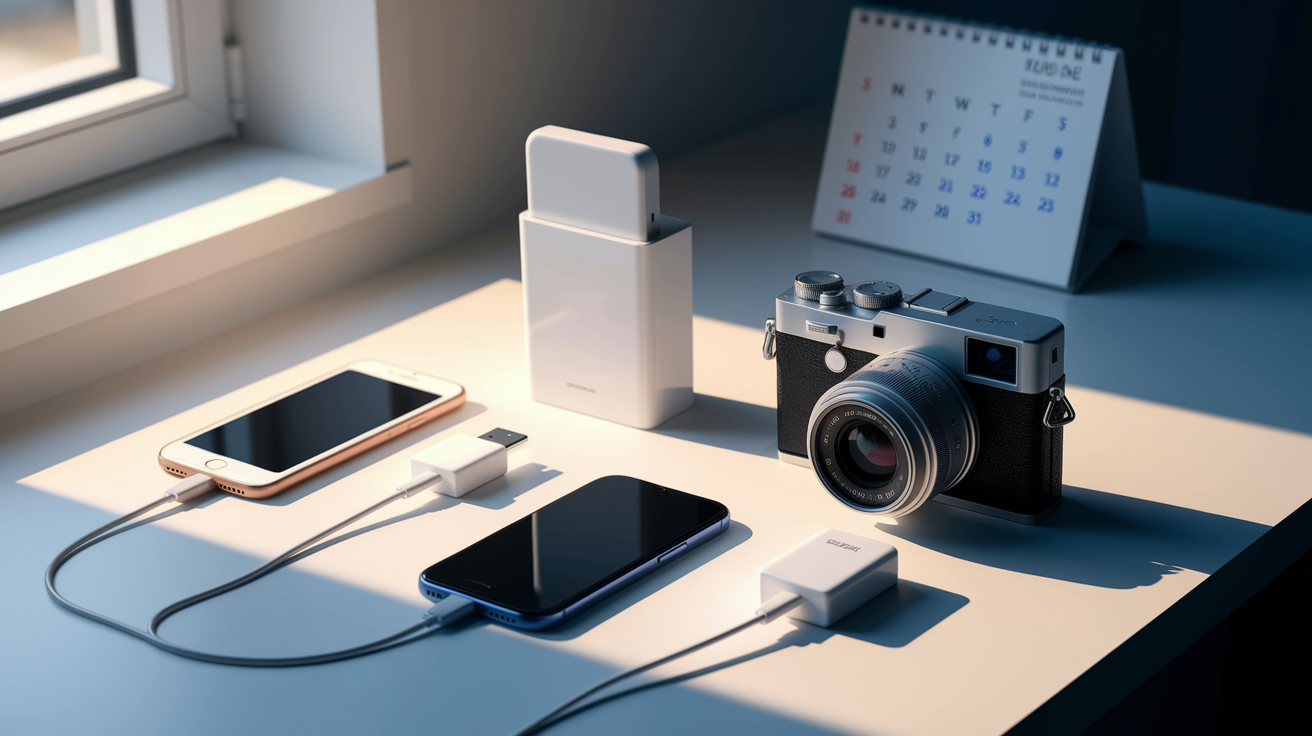
Your old stuff isn’t going anywhere. EU Directive 2022/2380 says new smartphones, tablets, cameras, headphones, and similar gear sold after December 28, 2024 need USB-C ports. Laptops get until April 28, 2026. But here’s what matters: the rule only hits products sold after those dates. What you already own? Totally fine. Nobody’s recalling anything, bricking your phone, or forcing you to upgrade.
Your current chargers still work. Got a Lightning cable for an iPhone 8? A micro-USB brick for an old Android? That barrel plug for your camera? They’re all functional with the devices they came with. These rules don’t touch your existing setup. And those old USB-A wall adapters keep pushing out 5 V like they always have, charging compatible devices at whatever speed they were designed for, usually somewhere between 2.5 W and 7.5 W.
Adapters can connect USB-C chargers to older ports, but they won’t magically speed things up. A basic Lightning-to-USB-C adapter lets an older iPhone pull power from a USB-C charger, sure. But the phone charges at its normal rate, not USB Power Delivery speeds. Fast-charging tricks built into proprietary systems often disappear completely if the adapter and charger don’t speak the same language the device expects.
What this actually means if you’ve got older devices:
- Keep using your current chargers and cables. Nothing changes.
- Devices you already own aren’t touched by these deadlines or rules.
- Adapters give you a physical connection but usually deliver basic 5 V charging, not peak performance.
- Legacy USB-A chargers remain your best bet for many older gadgets.
- Mixing USB-C PD chargers with non-PD devices through adapters works, just slower than the original charger sometimes.
- You need quality certified adapters to dodge issues from bad resistor values or shoddy construction.
Understanding Compatibility Between USB-C Chargers and Older Connectors
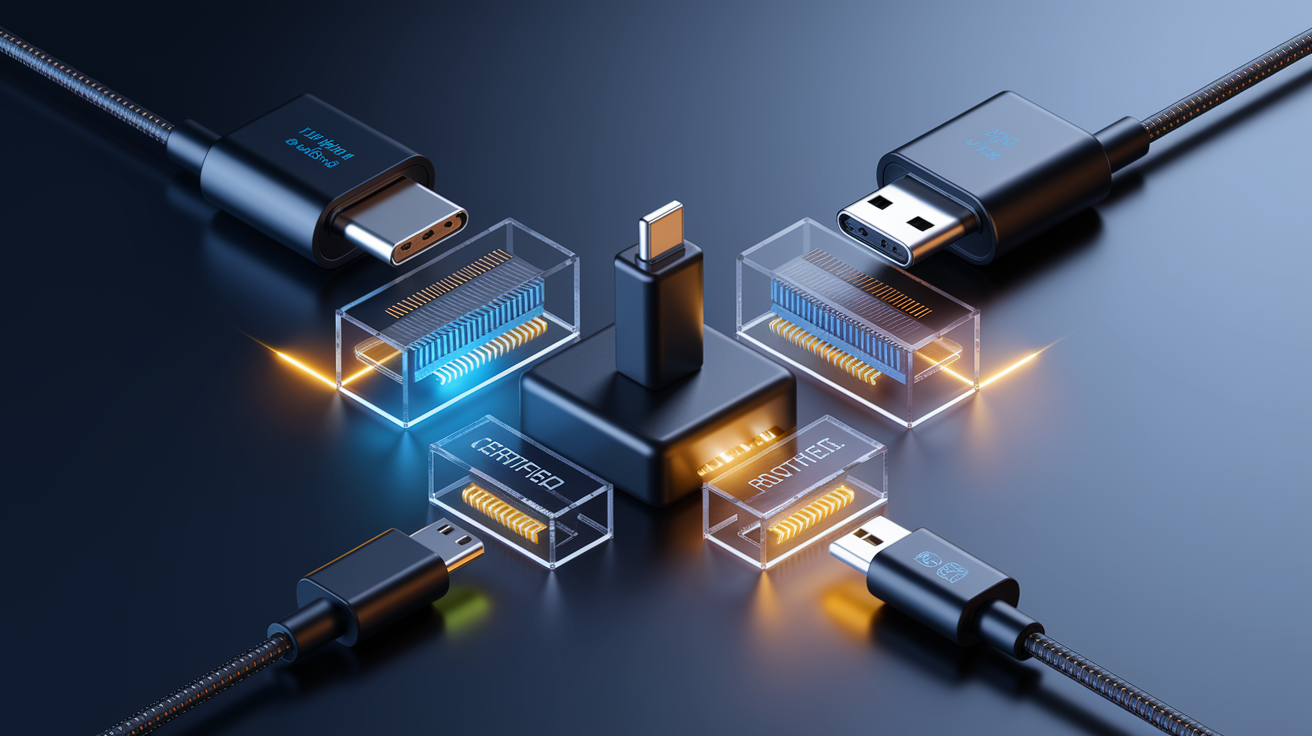
Older connectors use completely different ways of talking to chargers. Lightning, micro-USB, and Apple’s old 30-pin dock connector rely on resistor tricks or proprietary chips to figure out how much current they can pull. A passive adapter is just a physical converter with no brains inside. It connects the pieces but doesn’t translate protocols. You get basic charging at the simplest level, usually 5 V at whatever current the device can request through simple resistor detection.
Cable quality isn’t something to ignore when you’re hooking older devices to USB-C chargers. Early USB-A-to-USB-C cables shipped with the wrong pull-up resistors, 10 kΩ instead of the required 56 kΩ. That told USB-A chargers a high-current device was plugged in when it wasn’t. Result? Overcurrent damage to both chargers and devices. Certified cables from actual manufacturers include correct resistor values and, when needed, E-Marker chips that tell both ends of the connection what the cable can handle.
Some cheap devices with physical USB-C ports skip the internal Configuration Channel hardware that modern USB-C needs to negotiate power. These won’t charge from a USB-C “cold socket” charger, which waits for a valid CC handshake before applying voltage. The fix? Use a USB-A-to-USB-C cable with an older USB-A charger, which applies 5 V right away without asking questions. This shows up a lot in budget gadgets, older accessories, and devices made before USB-C standards settled down.
| Connector Type | Compatibility Notes | Adapter Limitations |
|---|---|---|
| Lightning | Proprietary Apple signaling; works with certified adapters | Loses fast-charge protocols; stuck at 5 V or legacy Apple rates |
| Micro-USB | Legacy 5 V charging; simple resistor detection | No PD support; maxes out around 7.5 W with BC1.2 |
| USB-A (legacy) | Hot socket; applies 5 V immediately | Power limited to 2.5–4.5 W depending on USB 2.0/3.0 spec |
| 30-pin Apple Dock | Resistive handshake for up to about 12 W | Needs active adapter; proprietary stuff doesn’t work with passive converters |
| Barrel plugs (cameras, audio) | Fixed voltage; no negotiation | Adapters must match voltage and polarity exactly; no automatic adjustment |
Charging Speed Expectations for Older Devices With USB-C PD
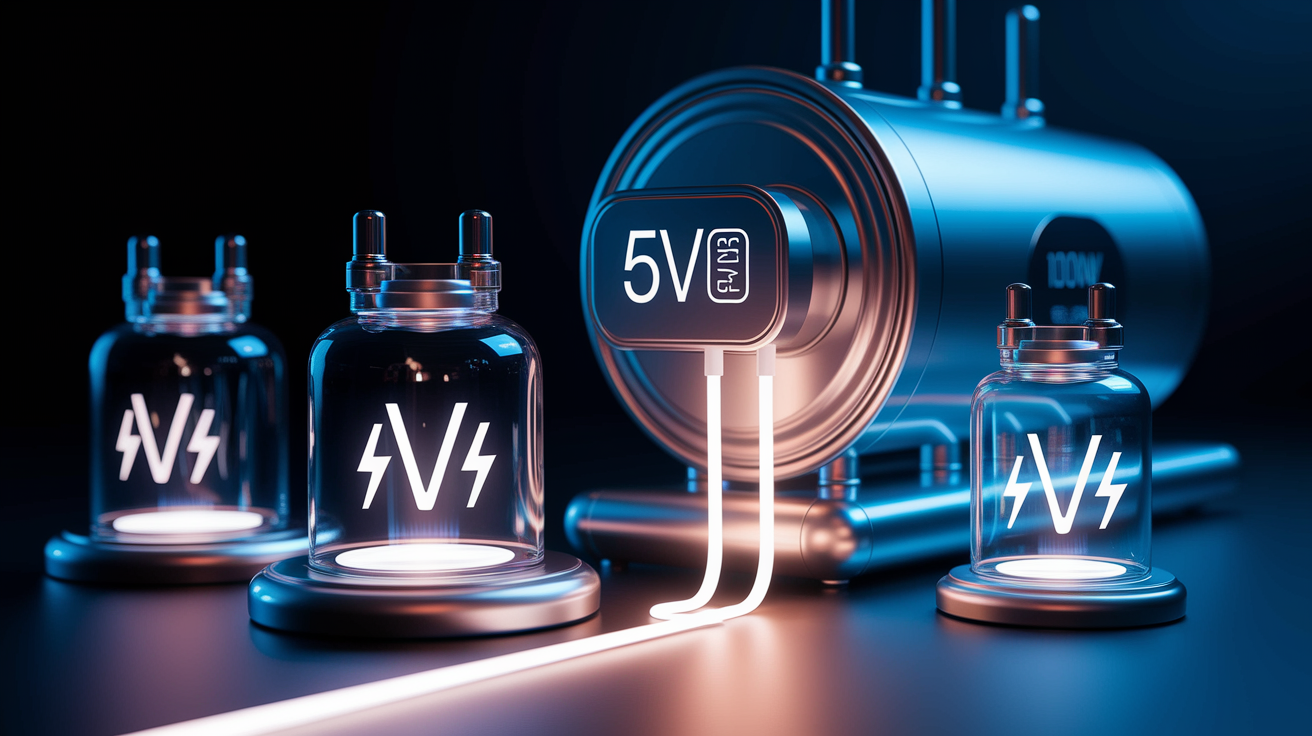
Older devices that don’t understand USB Power Delivery will only get the basic 5 V rail from a modern USB-C PD charger. USB PD offers fixed voltage options at 5 V, 9 V, 15 V, and 20 V, but the device has to actively ask for higher voltages through Configuration Channel communication. A phone or tablet from 2018 built for USB-A charging won’t send those requests. The charger defaults to 5 V. How much current flows depends on what the device’s internal charging circuit can safely handle and what it signals back, often 1 A to 2 A. That’s 5 W to 10 W of actual power.
USB-A legacy power ranges from 2.5 W (USB 2.0 at 500 mA) up to 7.5 W (USB Battery Charging 1.2 at 1.5 A). Apple’s proprietary setup allowed roughly 12 W on 30-pin and early Lightning devices. Connect one of these to a 65 W or 100 W USB-C PD charger through an adapter? The charger doesn’t force higher wattage onto the device. The device runs the show. Without PD capability, it pulls only what its original design allowed. The extra capacity sits there unused, but it doesn’t hurt anything.
Battery health isn’t harmed by using a higher-wattage charger, as long as the device’s charging controller does its job correctly. Modern charging circuits include protections that stop overcharging and regulate current based on battery temperature and charge level. The danger comes from cheap adapters or cables that bypass these protections or push incorrect voltages. Certified accessories keep voltage and current within safe limits.
Speed points for older devices:
- Devices without PD support charge at their original max rate, typically 5 V at 1–2 A.
- A 100 W USB-C charger won’t “force” excess power into a 5 W device. The device asks for what it needs.
- Proprietary fast-charge modes like Quick Charge, VOOC, or Apple 2.4 A might not kick in through passive adapters.
- Certified cables and adapters prevent voltage or current mismatches that could mess up batteries.
- Battery lifespan depends on charging controller quality and heat management, not charger wattage headroom.
How Implementation Dates and Regional Rules Influence Older Device Use
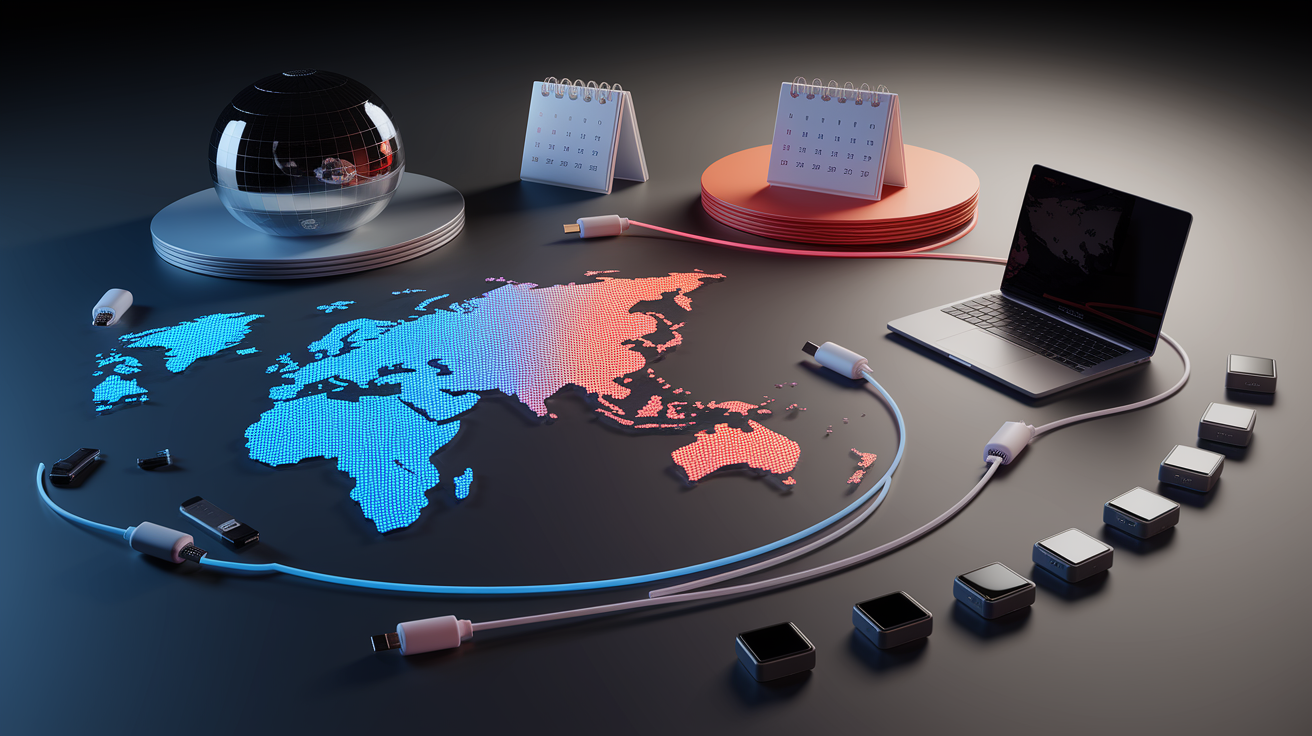
The EU’s rollout schedule gives a clear timeline for when USB-C becomes required on new devices. Most portable electronics like smartphones, tablets, e-readers, cameras, headphones, earbuds, handheld game consoles, and portable speakers need USB-C ports if sold in the EU from December 28, 2024. Laptops get until April 28, 2026, giving manufacturers more time to redesign power systems that often go beyond USB PD’s original 100 W limit. The directive includes USB PD 3.1 Extended Power Range, which supports up to 240 W at higher voltages (28 V, 36 V, and 48 V), so bigger notebooks can comply.
Regional differences mean the timeline and scope vary outside the EU. China’s been pushing the Unified Fast Charging Specification (UFCS) since 2022, with UFCS 2.0 coming in May 2025. UFCS targets lower peak power, around 40 W in early versions, and focuses on domestic manufacturers. The United States has floated similar ideas but hasn’t passed binding timelines or specific connector requirements. Manufacturers selling globally often use EU requirements as a baseline to avoid making region-specific hardware, so USB-C adoption will speed up worldwide even in markets without formal rules.
Older devices stay unaffected by these dates because the rules only apply to products sold after the compliance deadline. A smartphone sold in 2023 with a Lightning port or micro-USB connector won’t suddenly become illegal or unusable in 2025. Retailers can keep selling existing stock that predates the rules, depending on local interpretations of “placed on the market.” What you get is a gradual shift, not a sudden cutoff.
Key regulatory and regional stuff:
- December 28, 2024: USB-C required on most small portable devices sold in the EU.
- April 28, 2026: Laptop deadline. USB PD 3.1 EPR allows up to 240 W.
- Regional split continues, with UFCS in China and voluntary adoption in the US.
- Older devices sold before deadlines are grandfathered and stay fully legal and functional.
Exceptions and Devices Not Fully Covered by USB-C Rules

Not every gadget falls neatly into EU Directive 2022/2380. The directive targets “radio equipment,” meaning devices that communicate wirelessly. So purely wired electronics and devices that don’t transmit or receive radio signals aren’t included. This creates gray areas around things like wireless game controllers, consumer drones, personal weather stations, and electronic toys. The Commission and industry folks have admitted the directive “will have to be edited a bit” to clarify whether these devices count and, if they do, when.
Devices charging at 15 W or less don’t have to support USB Power Delivery, even if they need a USB-C physical port. This exception lets simpler, cheaper electronics adopt the USB-C connector for physical compatibility without implementing the full PD negotiation setup. Think basic Bluetooth headphones, fitness trackers, and small speakers. These can charge from USB-C ports using basic 5 V power without PD communication overhead, cutting component costs and design hassle.
| Device Type | Coverage Status | Notes |
|---|---|---|
| Wireless game controllers | Ambiguous | Probably covered as radio equipment but not explicitly named in initial directive |
| Drones and weather stations | Ambiguous | Might fall under radio equipment definition; waiting on regulatory clarification |
| Electronic toys (non-radio) | Not covered | Toys without wireless communication are excluded; only “radio” toys are in scope |
Environmental Effects of USB-C Standardization on Old Chargers

European Commission research puts unused and discarded charging cables at more than 11,000 tonnes of electronic waste every year in the EU alone. Standardizing on USB-C is supposed to cut this waste by letting people reuse chargers and cables across multiple devices and generations. Over time, buying a new charger with every new device should become less common, reducing both manufacturing demand and disposal volume. But the transition creates short-term spikes in adapter and cable purchases as people bridge the gap between legacy devices and new USB-C hardware.
Removing chargers from device boxes doesn’t automatically mean environmental savings or lower prices. Apple and Samsung stopped including chargers in smartphone boxes starting in 2020, calling it an environmental win. But data from Belgium shows standalone charger sales doubled by 2021. So a lot of consumers still need chargers and just buy them separately, potentially creating more packaging waste if chargers are sold in individual retail boxes. Device price cuts after removing the included accessory have been inconsistent. Manufacturers often keep previous pricing even after pulling the charger.
Environmental and market impacts during transition:
- Universal USB-C could cut thousands of tonnes of cable waste annually once everyone’s on board.
- Short-term adapter demand goes up as people connect legacy devices to new USB-C chargers.
- Removing bundled chargers shifts buying patterns but might not actually reduce total charger production or packaging waste.
- Aftermarket and third-party accessory markets grow to serve mixed-device setups.
- Long-term benefits depend on how people actually behave, how long products last, and actual reuse rates across device types.
Practical Safety Tips for Using USB-C Chargers With Older Devices
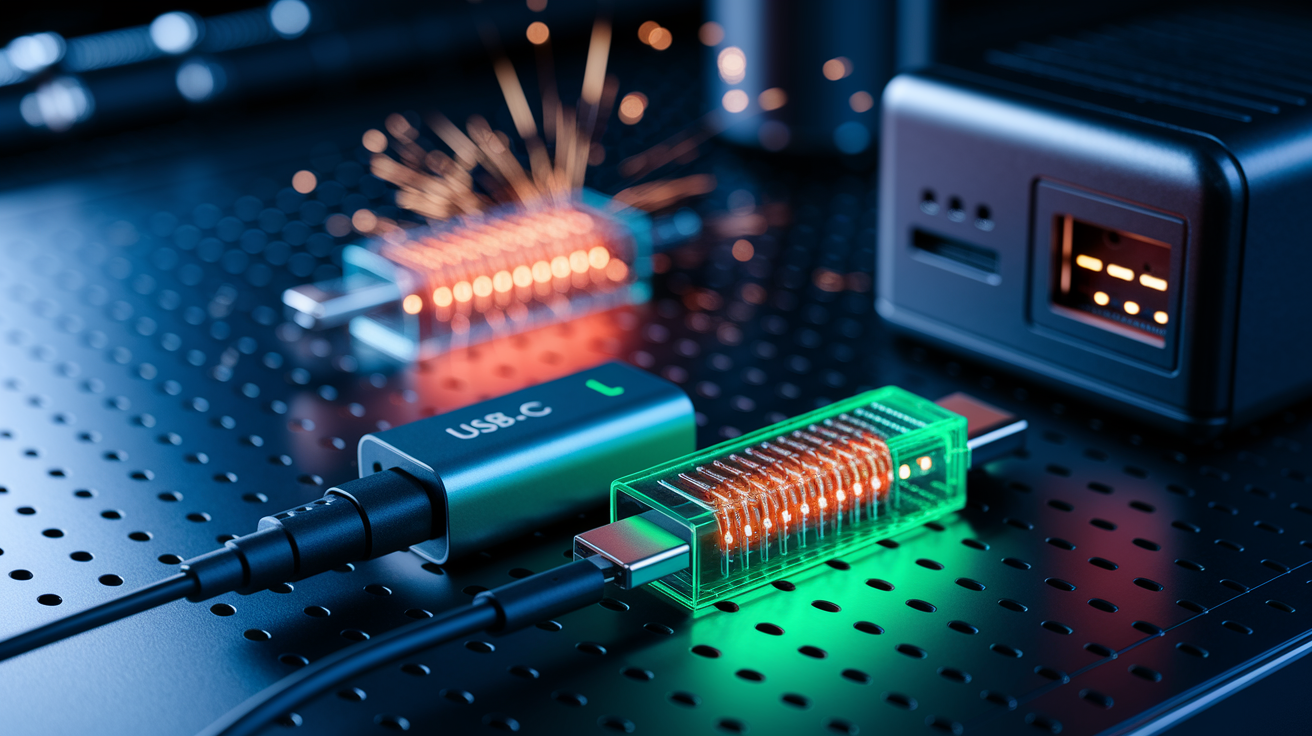
Certified cables and adapters are non-negotiable if you want to avoid damaging hardware when connecting older devices to USB-C chargers. The most common screw-up historically involved USB-A-to-USB-C cables with wrong pull-up resistors. Cables with 10 kΩ resistors instead of the required 56 kΩ told USB-A chargers a high-current device was plugged in, causing overcurrent that damaged both the charger and the device. Look for cables marked with USB-IF certification or from manufacturers with documented compliance testing. Third-party stuff from reputable brands is generally safe. Unbranded imports and suspiciously cheap listings? Higher risk.
Multi-port USB-C chargers, especially GaN (gallium nitride) models that dynamically split power across ports, can cause brief disconnections when load changes. Plug in or unplug a device on one port? The charger does a hard reset to redistribute available wattage. This interrupts power to all connected devices for a split second. For devices with batteries, it’s harmless. For devices without battery backup like some USB-powered hard drives, hubs, or older accessories, that momentary power loss can cause reboots, data interruption, or dropped connections.
USB-C chargers are “cold sockets.” They don’t apply voltage until they detect a valid Configuration Channel handshake. Older devices without CC hardware won’t get power from a USB-C charger, even through an adapter, because the charger waits forever for a signal that never comes. The fix is to use a legacy USB-A charger or a USB-A-to-USB-C cable connected to a USB-A port, which applies 5 V right away. This behavior is a safety feature that prevents damage to incompatible devices, but it’s confusing when an adapter looks physically correct yet delivers nothing.
Safety and compatibility checklist:
- Use only certified cables with correct resistor values (56 kΩ for USB-A-to-USB-C).
- Skip unbranded or weirdly cheap adapters. Counterfeit accessories skip safety features.
- Expect brief power interruptions when connecting or disconnecting devices from multi-port chargers.
- If a device won’t charge via USB-C adapter, try a legacy USB-A charger to confirm the device lacks CC hardware.
Final Words
Older devices won’t stop working overnight. Your existing chargers and cables keep doing their job, and the new rules only apply to units sold after the compliance dates.
Adapters can bridge old ports to USB‑C but may sacrifice fast charging; cheap adapters carry risks, so choose certified ones. Expect short‑term adapter demand and long‑term less cable waste.
If you’re asking what universal USB-C charging rules mean for older devices, the takeaway is continuity with caveats — a few tweaks, some safe buys, and ultimately less clutter.
FAQ
Q: Is USB being phased out for USB-C?
A: USB is not being phased out for USB-C, USB-C is becoming the common connector for many new devices under rules like the EU mandate, while older USB-A and legacy ports keep working on existing devices.
Q: What are the three mistakes when charging your phone?
A: The three mistakes when charging your phone are using wrong or low-quality chargers/cables, frequently charging to 100% or leaving it plugged overnight, and using damaged ports or adapters that cause slow charging or battery wear.
Q: Does Dell use A USB-C charger?
A: Dell uses USB-C chargers on many newer laptops, but some models still ship with barrel-style or proprietary adapters. Check your specific model’s specs or the included charger to confirm compatibility.
Q: What are the charging standards for USB-C?
A: The charging standards for USB-C include USB Power Delivery (PD) with 5V, 9V, 15V, and 20V profiles, plus USB BC fallback, while device makers may add proprietary fast-charge protocols that affect speed and wattage.
Leave a Reply